Share a chat
Send a whole chat, or one thing it made, as a link.
- In your browser
Steps#
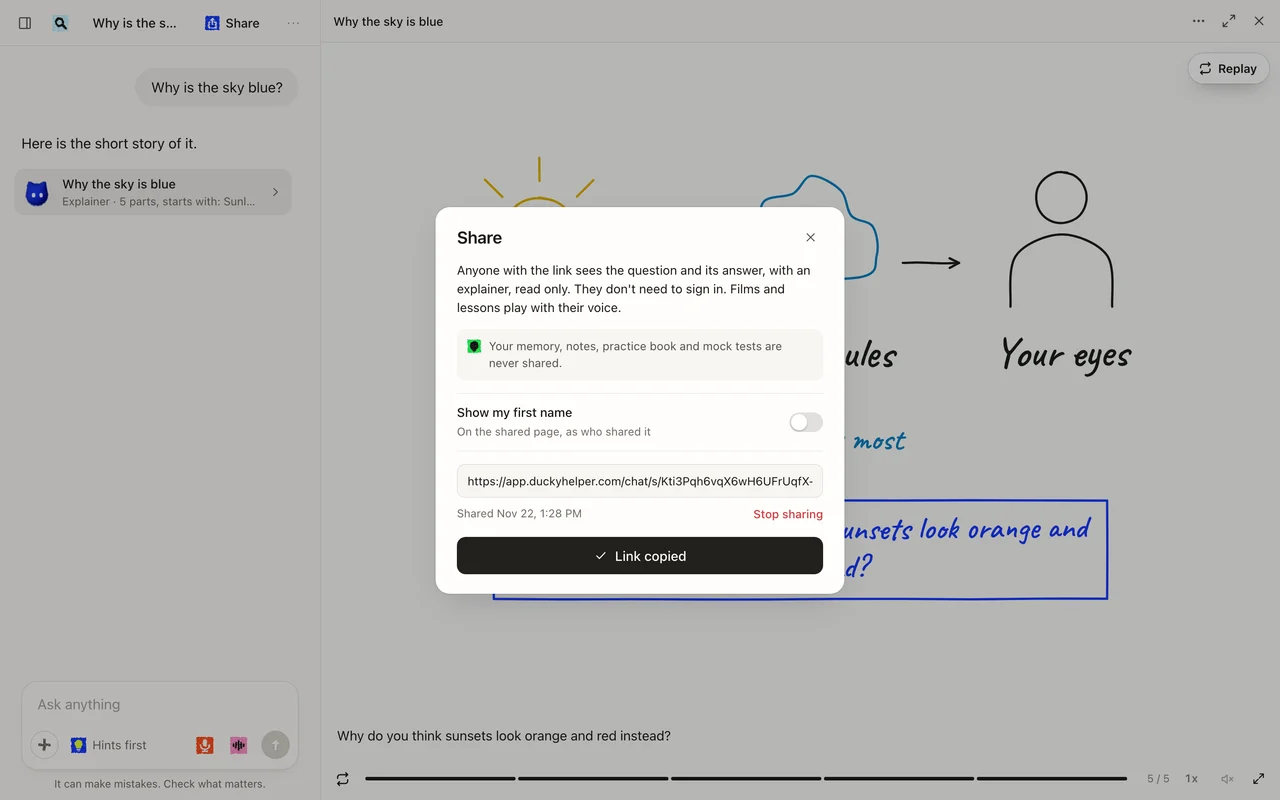
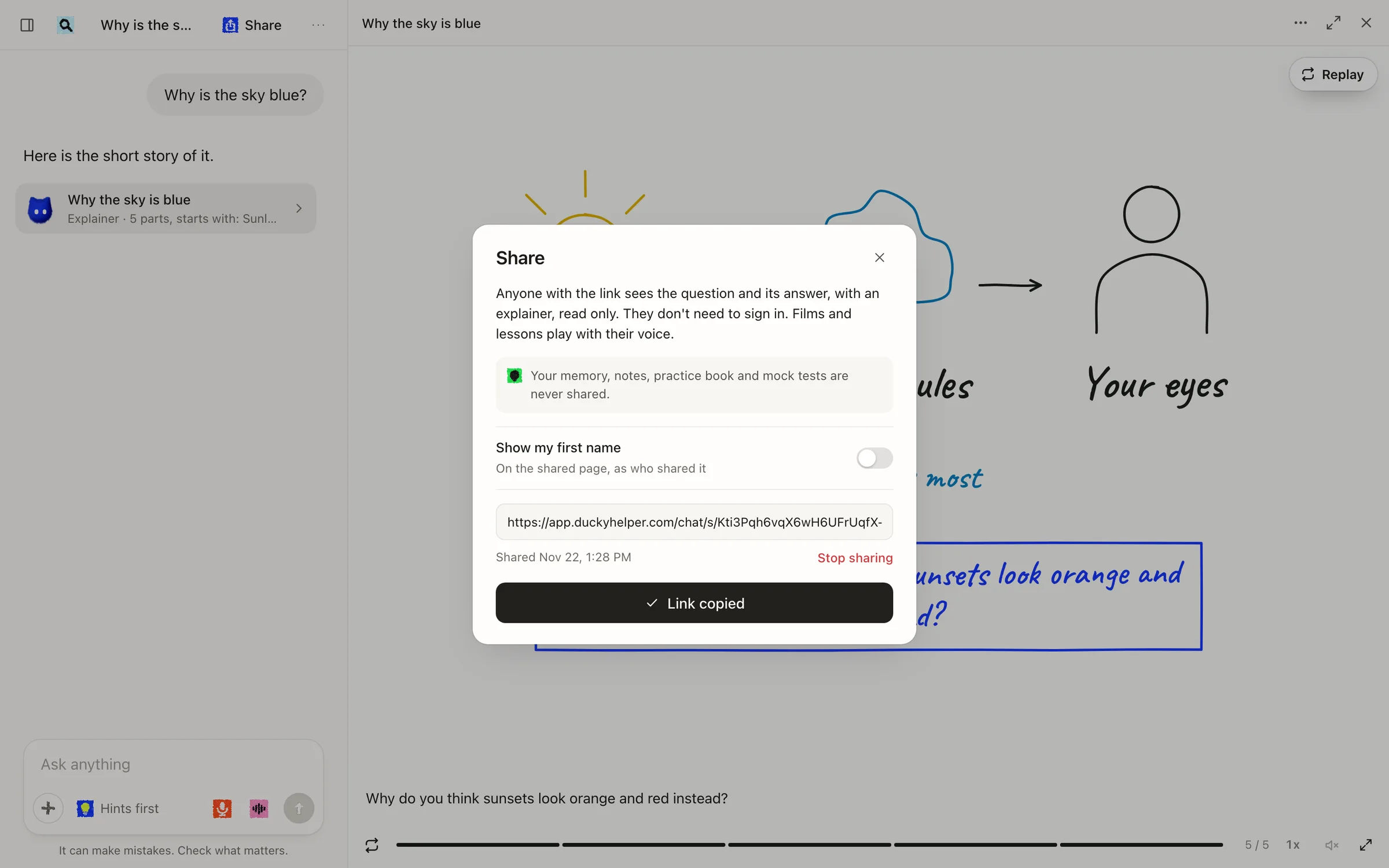
Open the chat and press Share. The link is made. Copy it and send it.
Whoever opens it does not need an account.
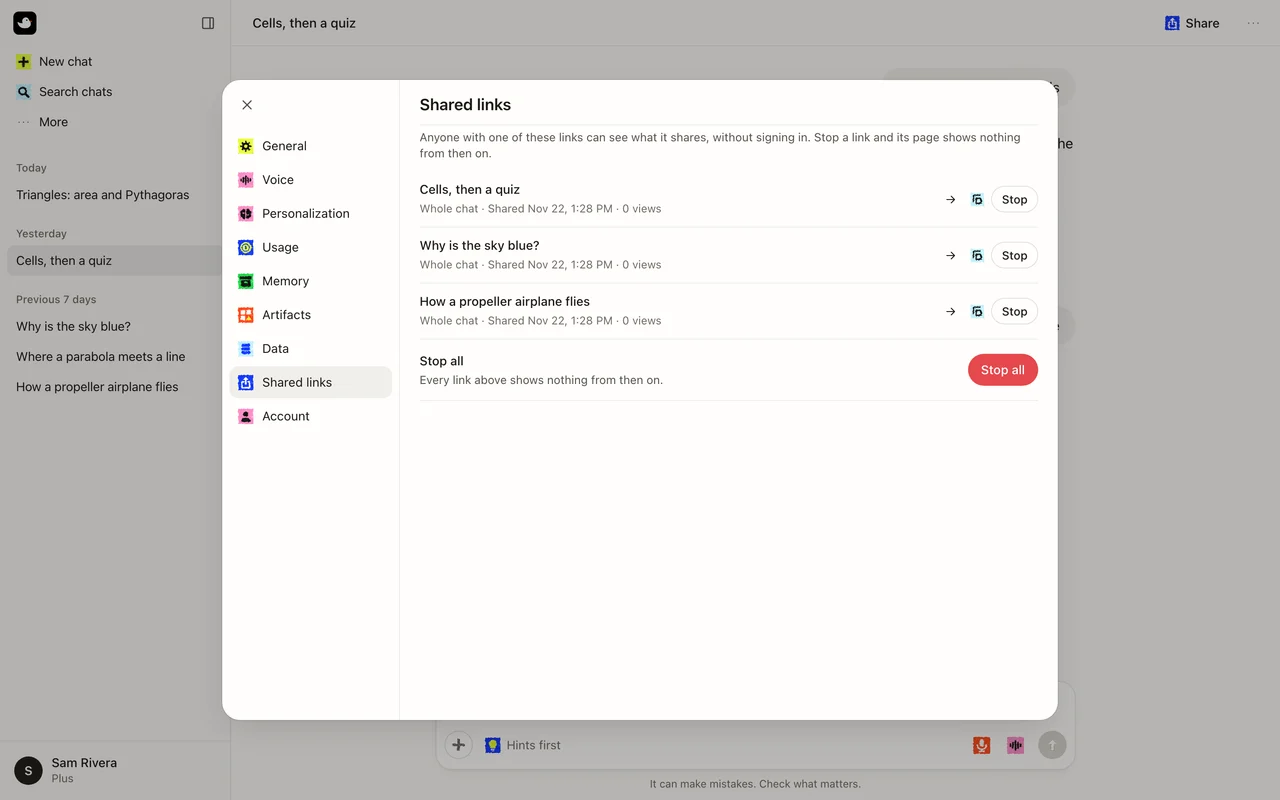
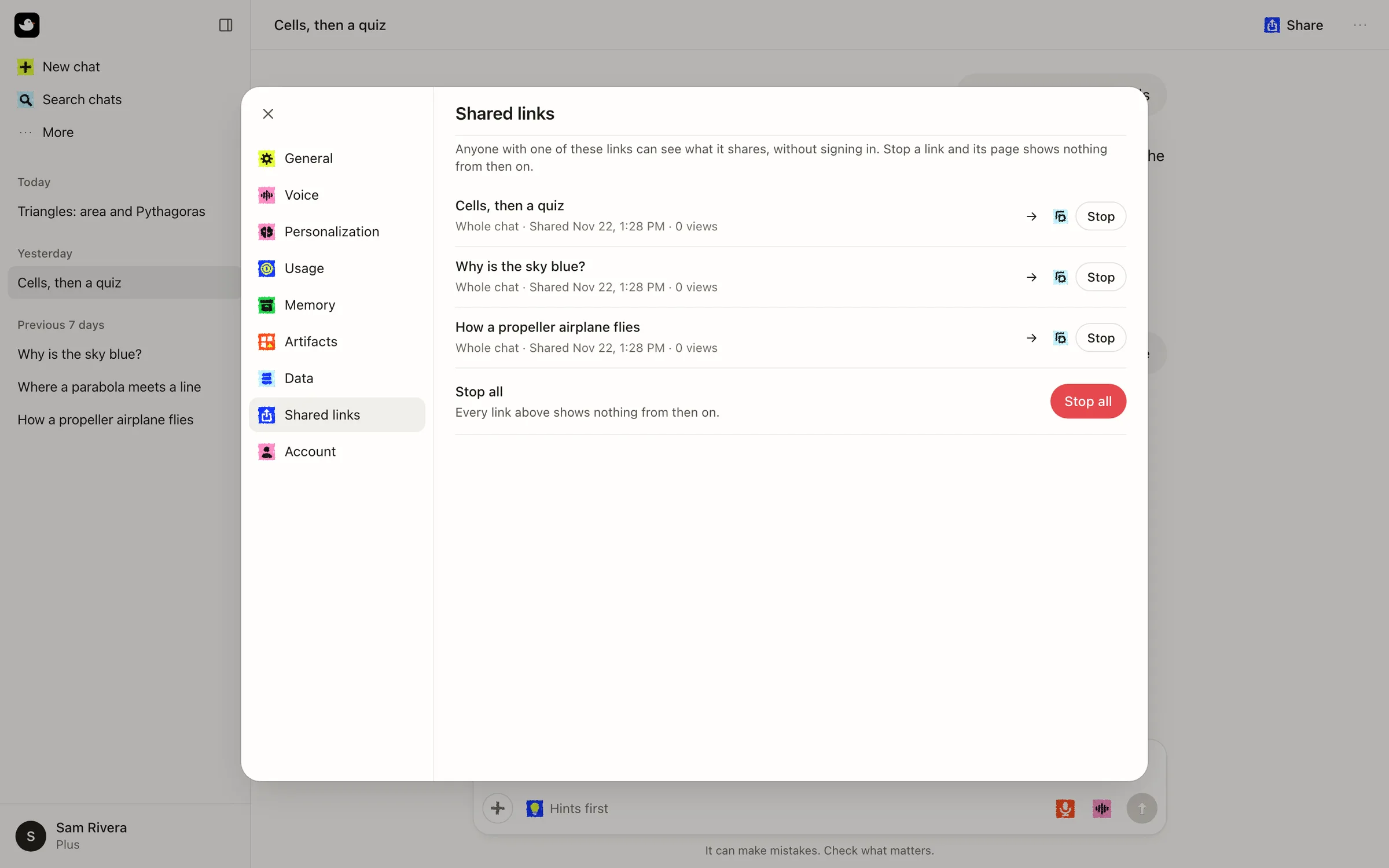
Settings > Shared links lists your links. Stop one there and it stops working.
What a link shows#
- The chat, or the one answer or thing you shared, with what it made.
- Pictures you uploaded go only when you tick Include uploaded pictures.
- A finished quiz's answers go only when you turn on Include my quiz answers.
- Anyone with the link can open it.
Your shared links#
Settings lists the links you made. Turn one off there and it stops working.
If it doesn't work#
| What happens | What to do |
|---|---|
| There's no Share | Sharing is off for children's accounts (under 13). |
Related#
Something here out of date? Write to support@duckyhelper.com.