The web chat
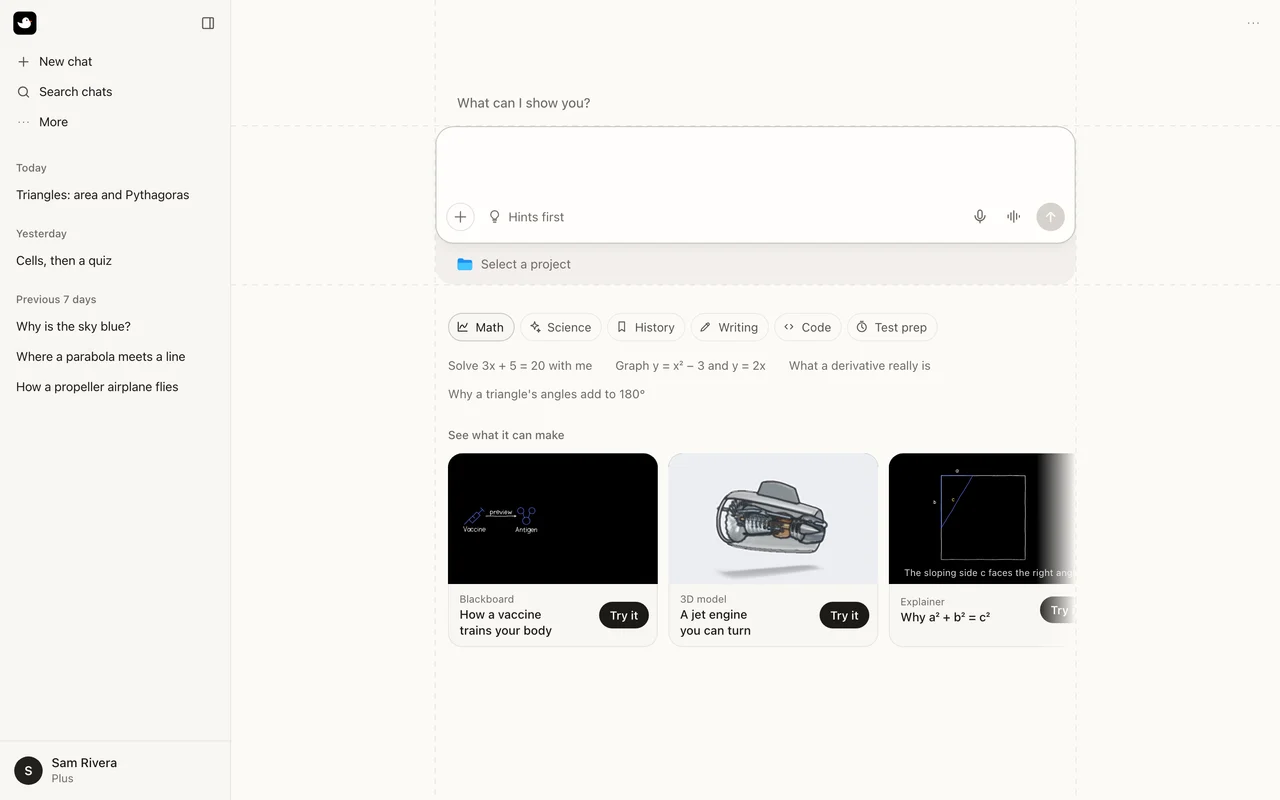
DuckyHelper in your browser, on any computer, at app.duckyhelper.com/chat.
- In your browser
Steps#
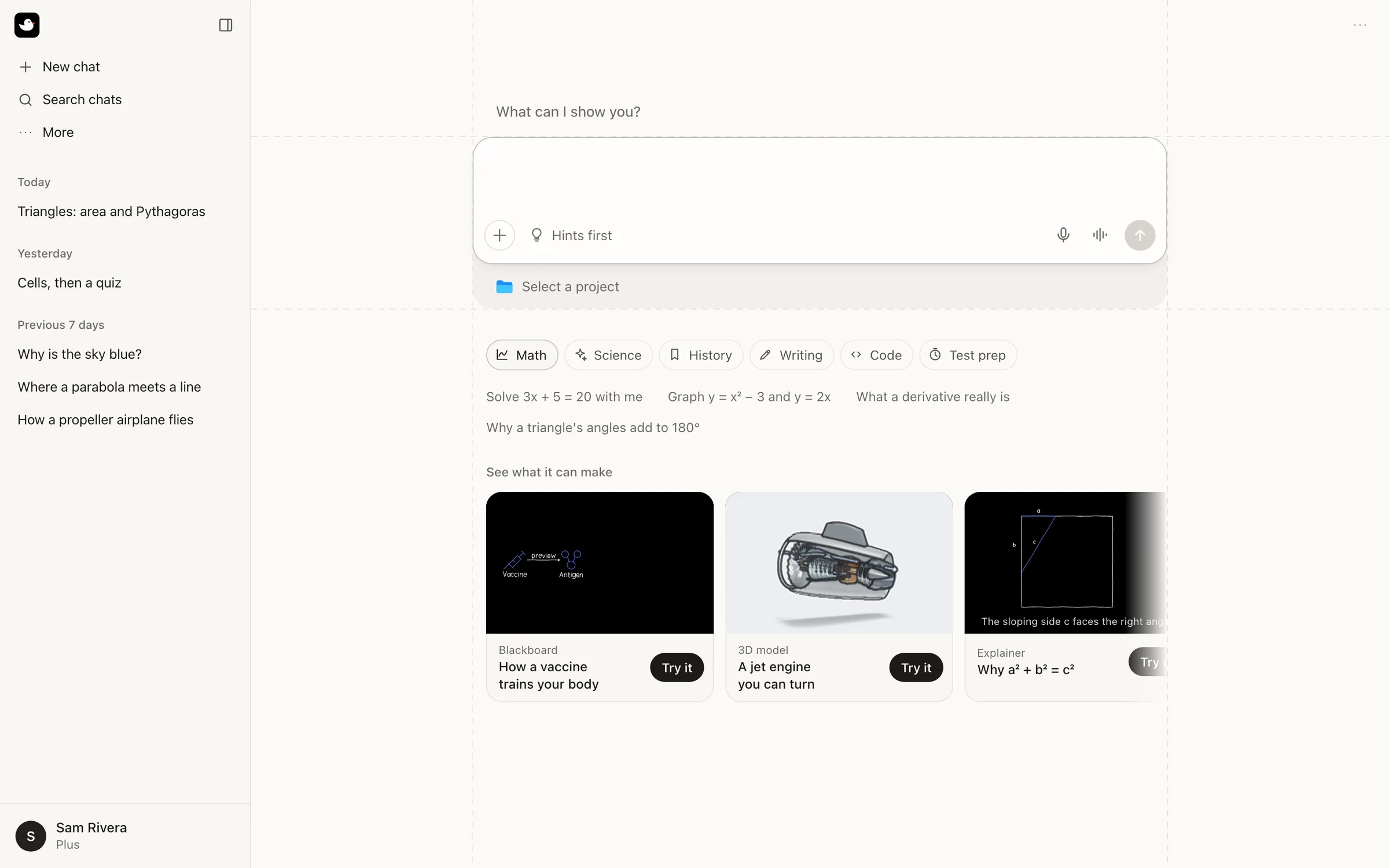
Open app.duckyhelper.com/chat and sign in.
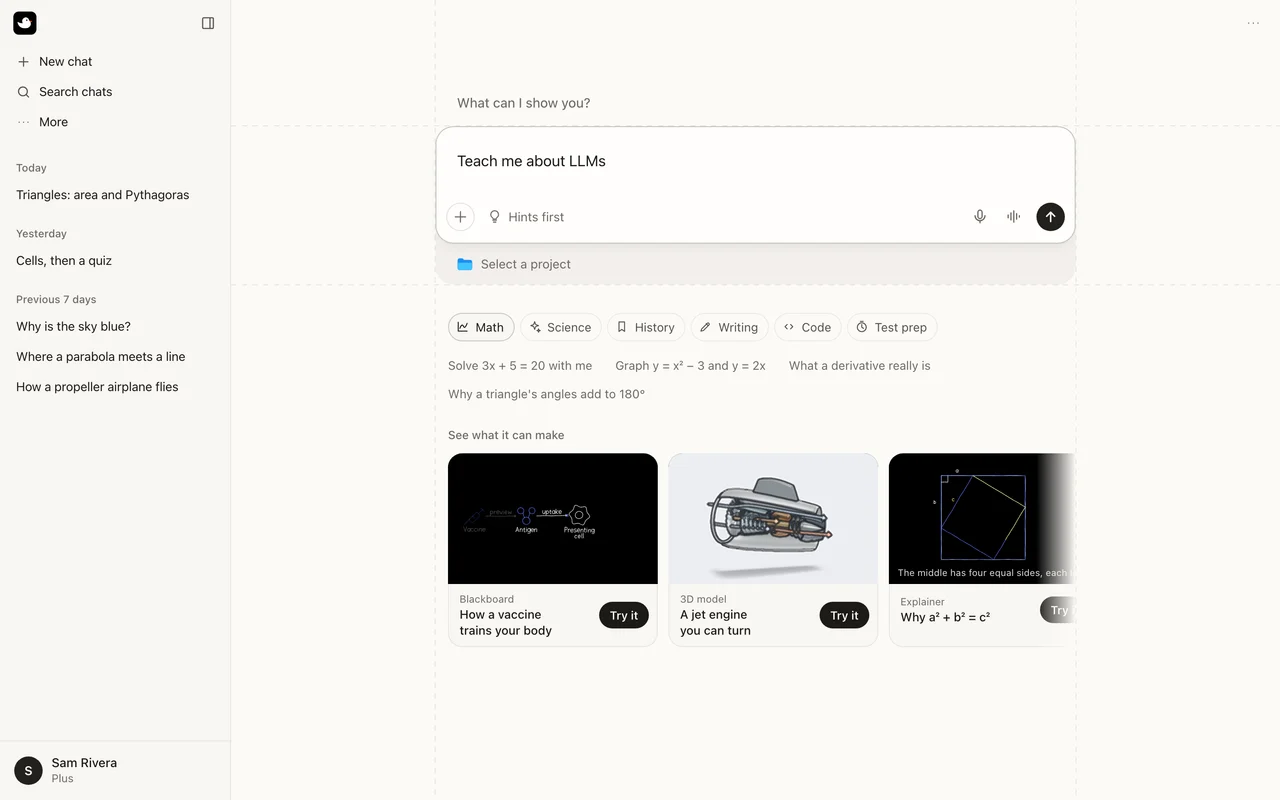
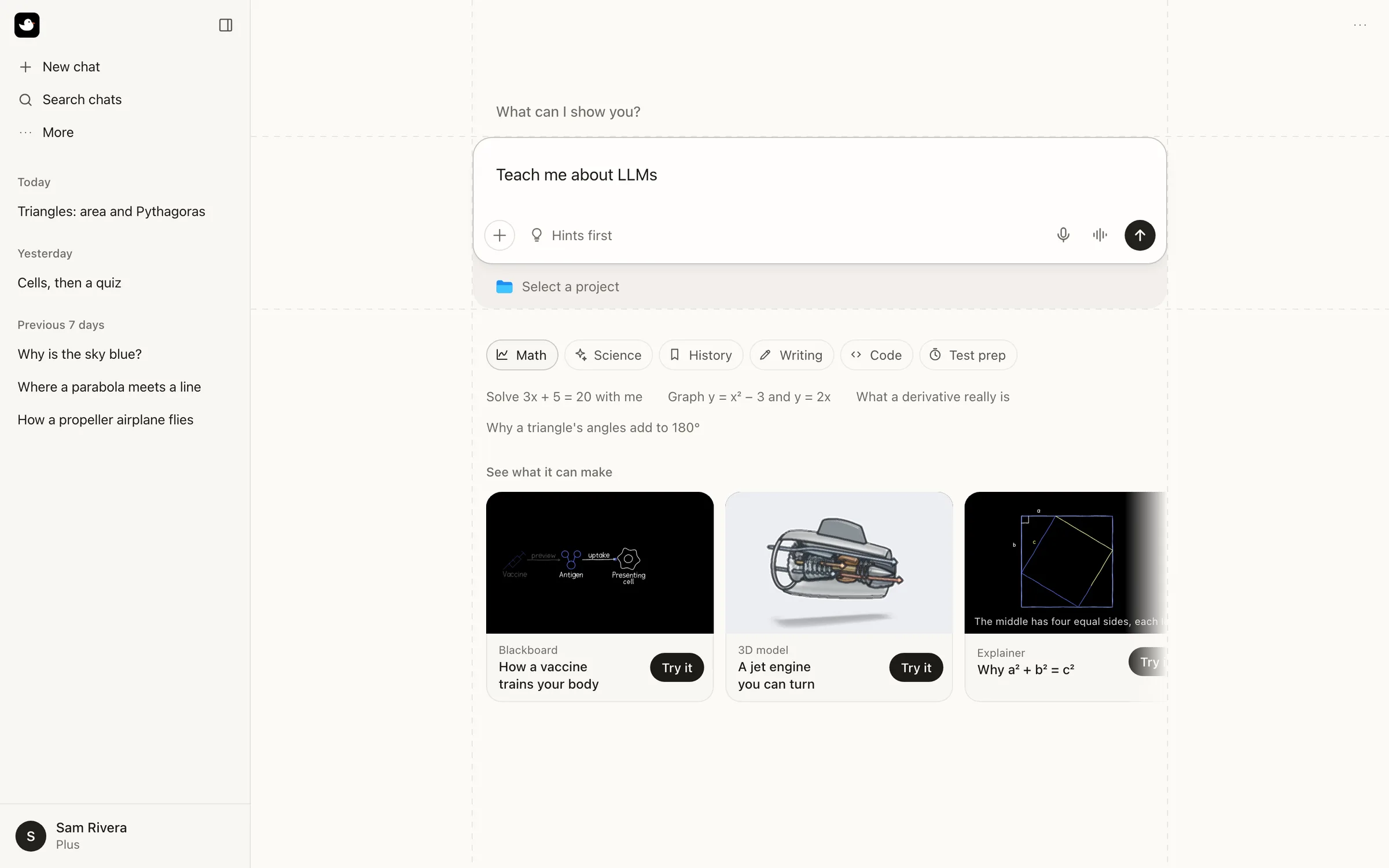
Type your question and send it.
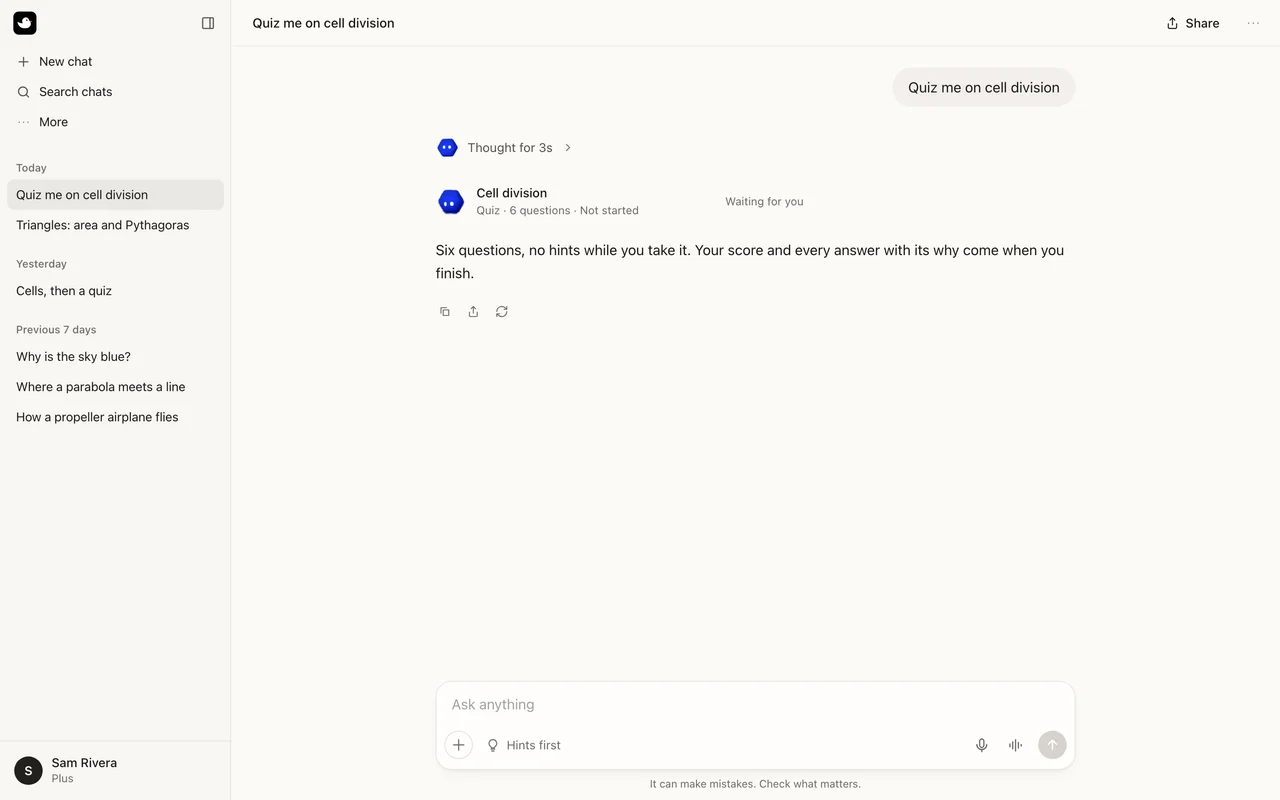
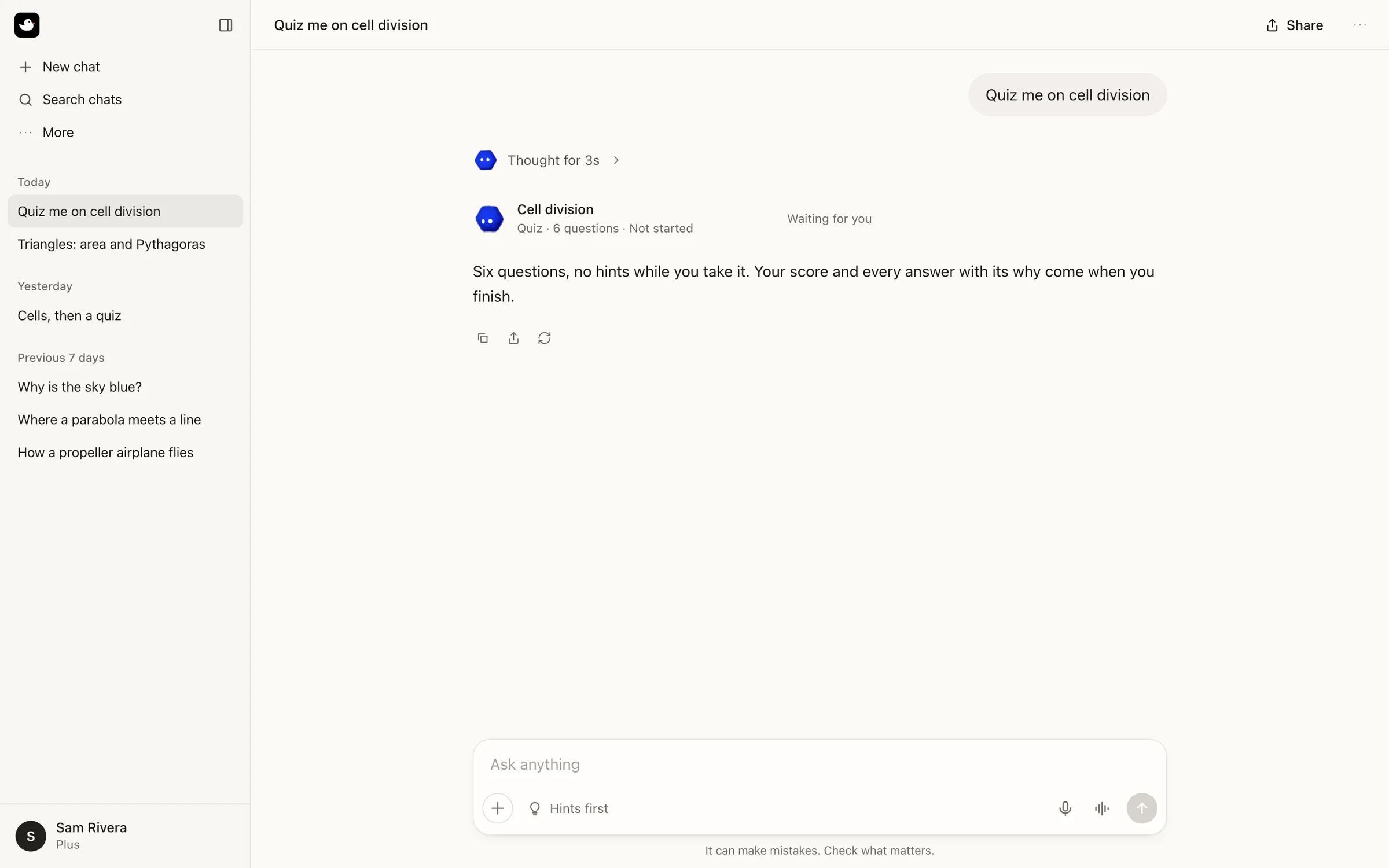
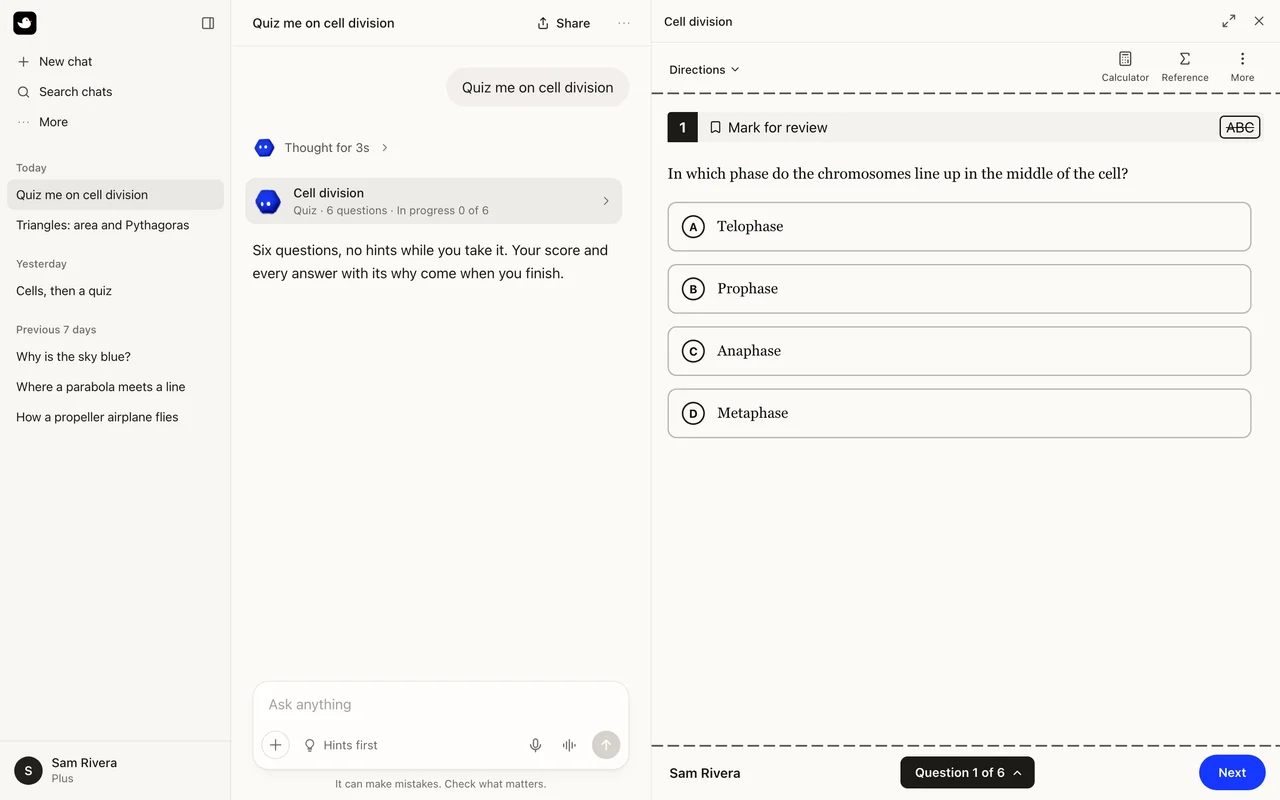
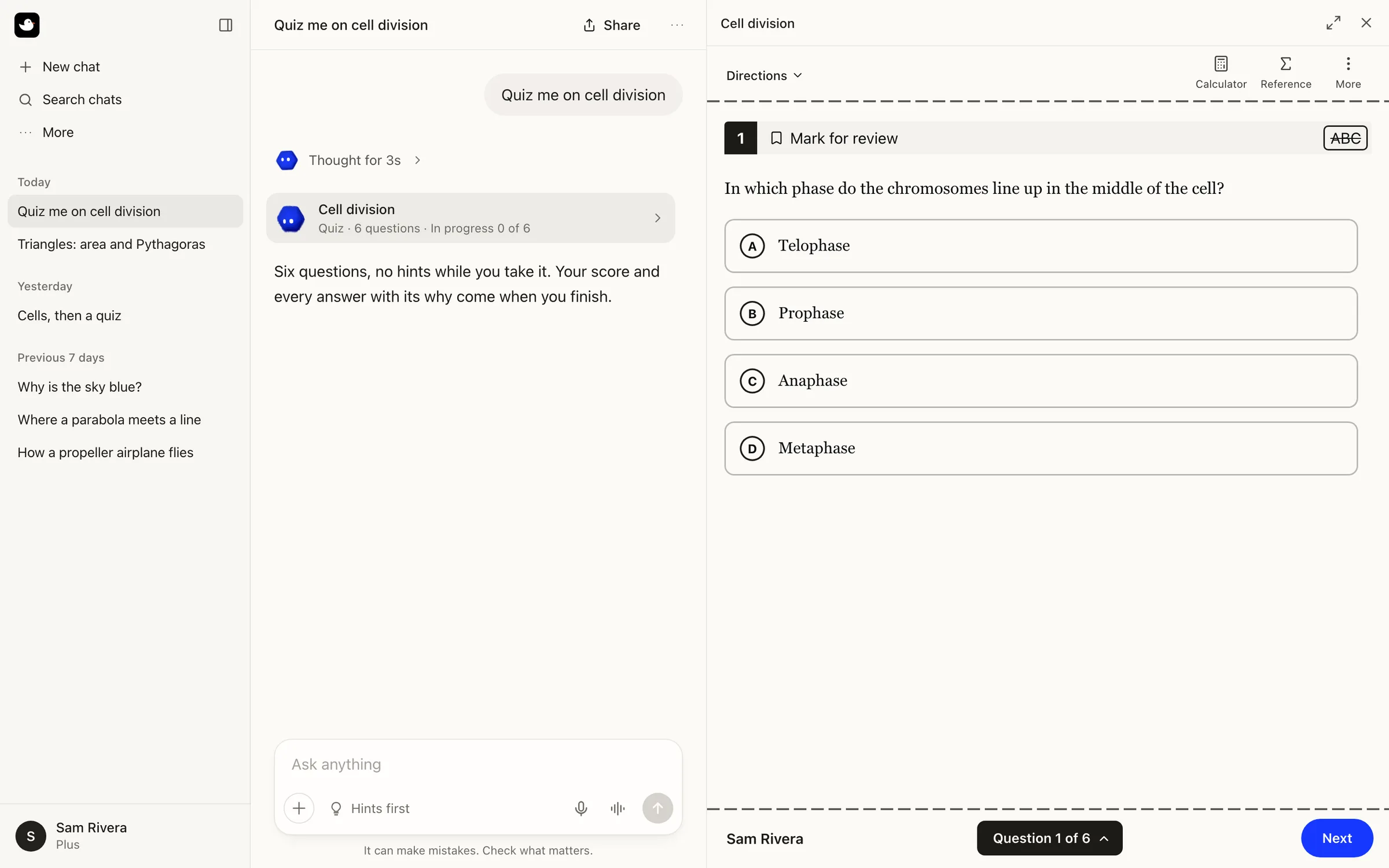
It answers, and what it made is a row in the chat.
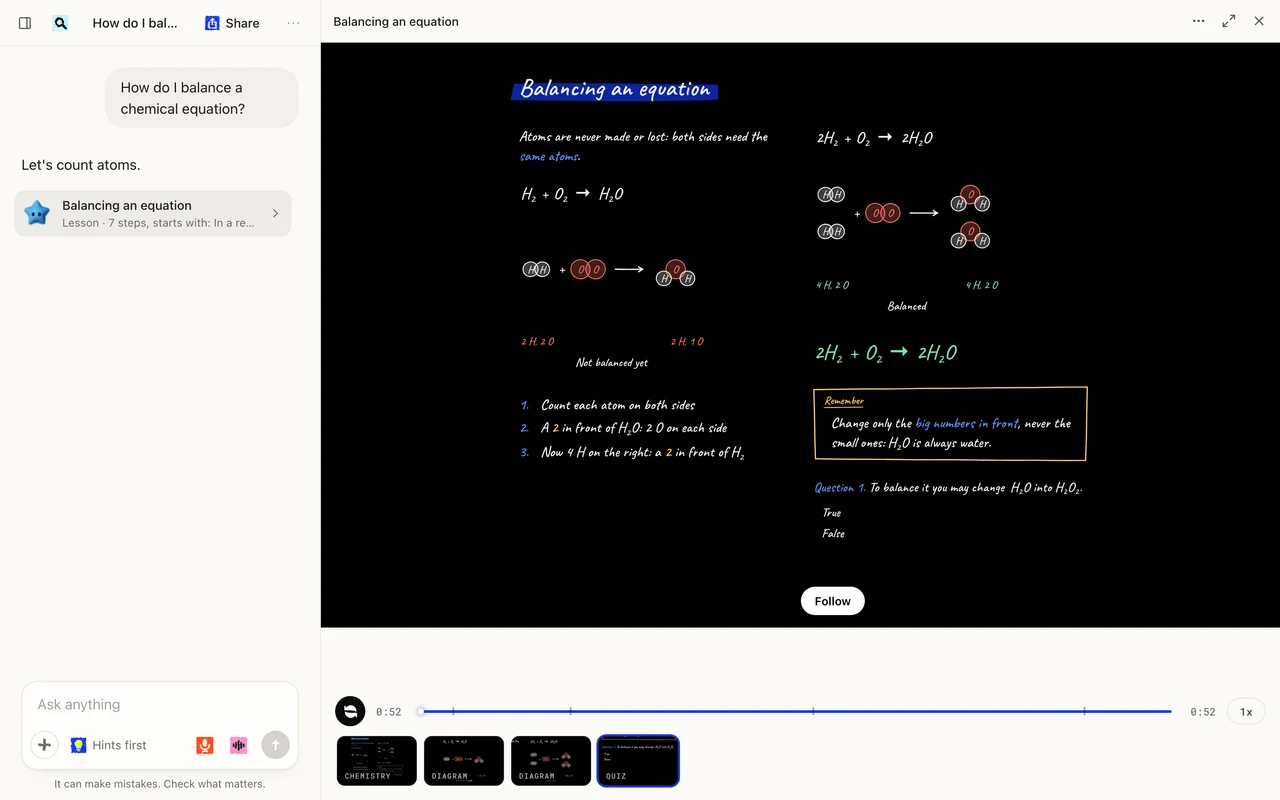
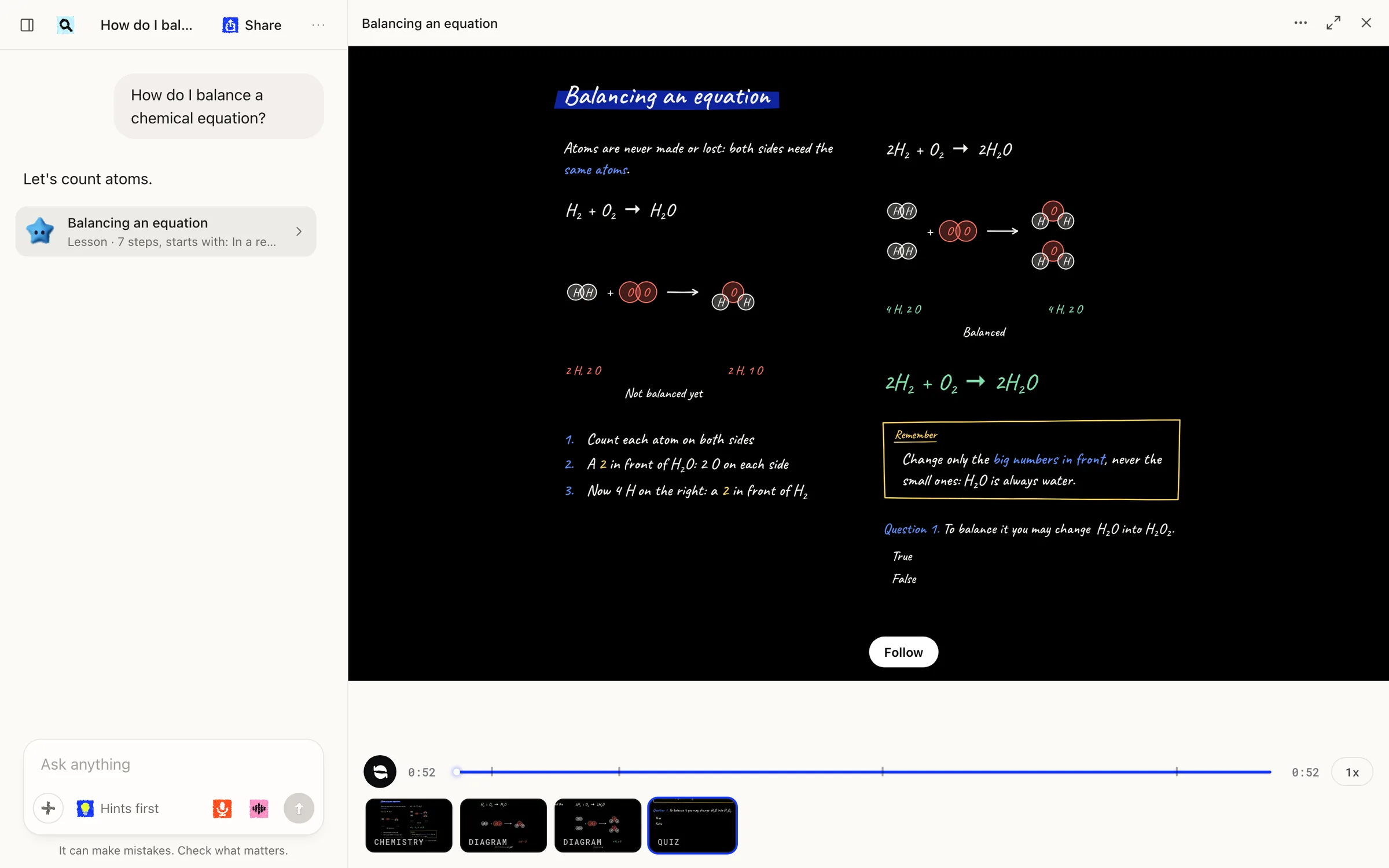
Press the row. It opens beside your conversation.
Find your way#
- New chat starts a fresh one.
- Search chats finds an earlier one.
- The box: type here. Add a photo or a PDF with the plus.
- The voice button: talk, and it answers out loud.
What it can make#
A blackboard that draws the answer.
A quiz, answered first and reviewed after: Quizzes and mock tests.
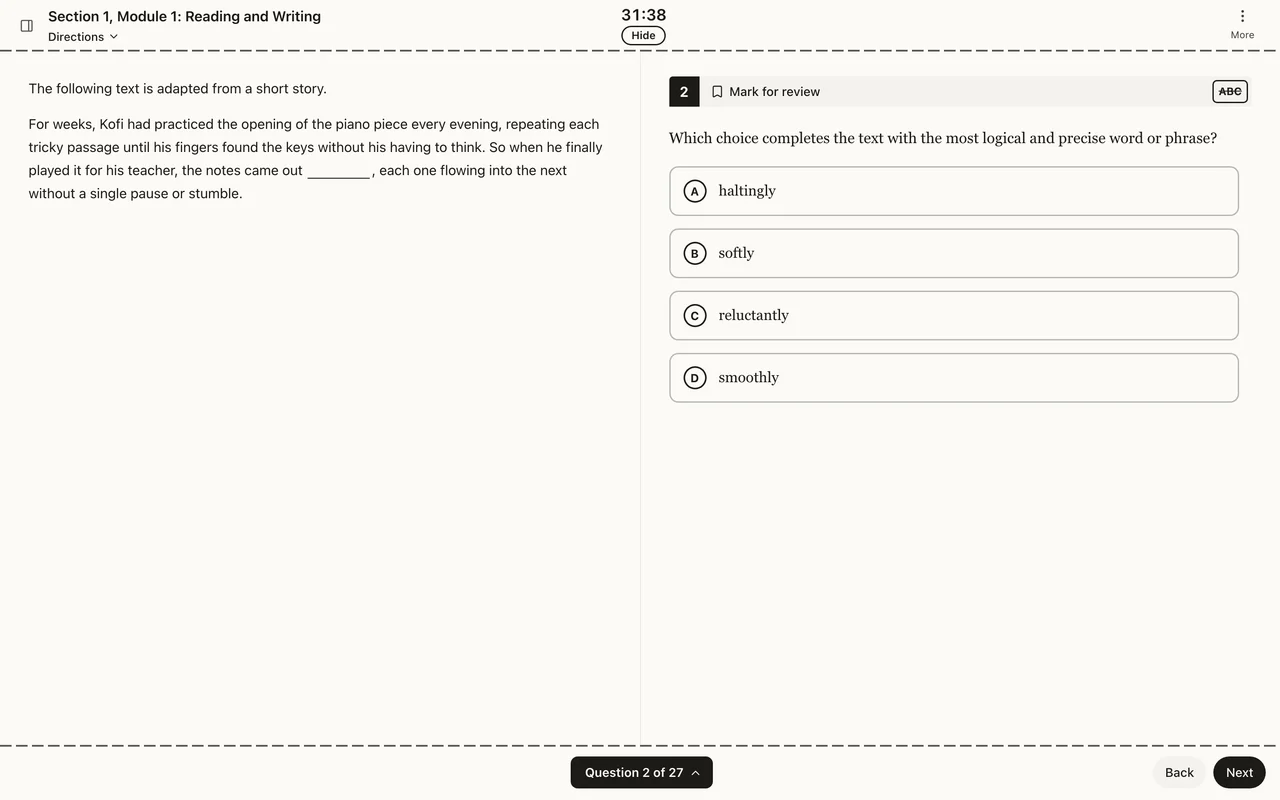
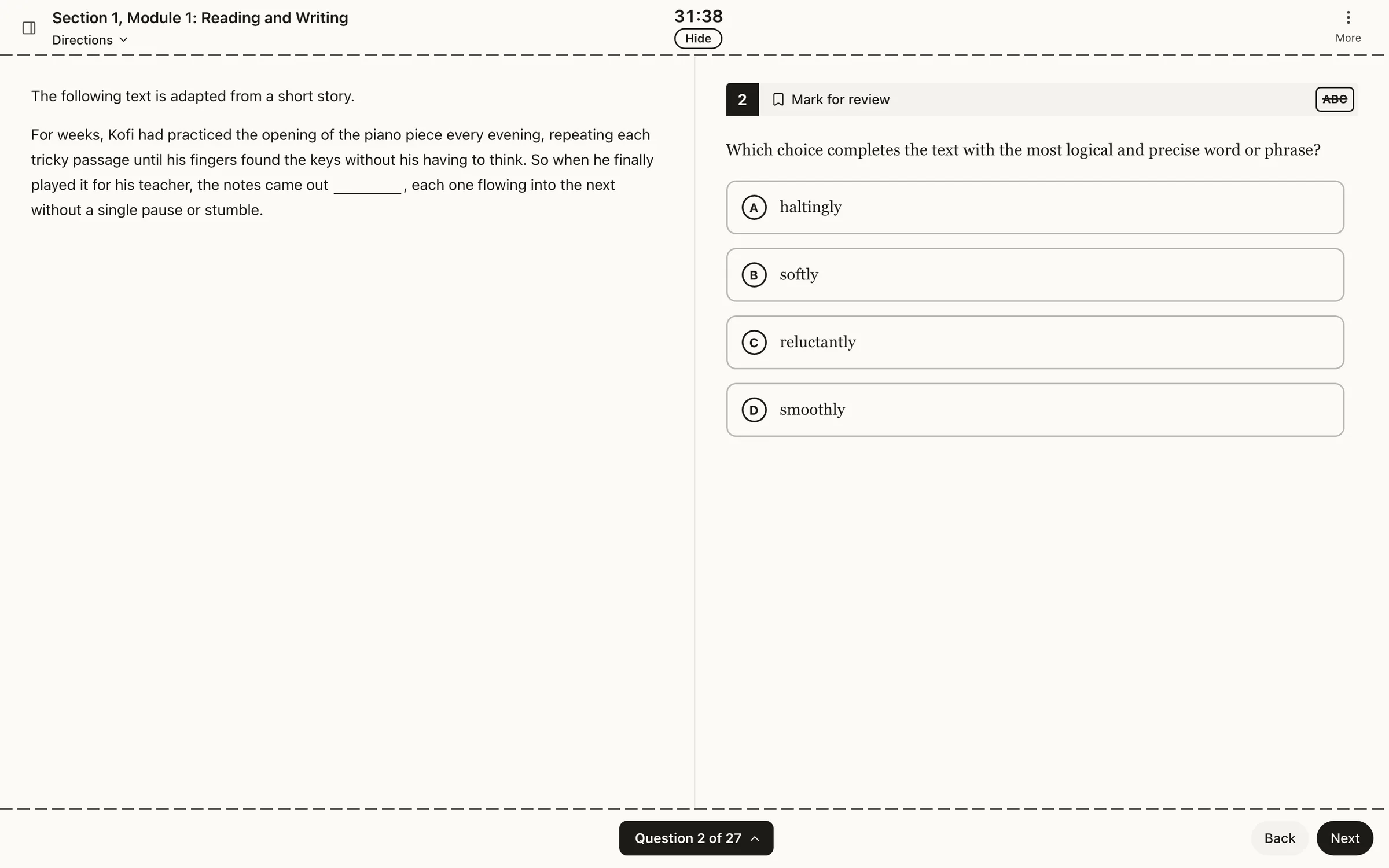
A timed mock test.
3D models, cards, views and maps open in the same panel.
Only in the Mac app#
- The pill in any app: Press fn and talk.
- Seeing your screen. The web chat sees what you type and the photos or PDFs you add.
- Bots that do tasks on your Mac: Bots that do tasks.
If it doesn't work#
| What happens | What to do |
|---|---|
| It asks you to agree to the terms | Read the documents it links, then press Agree and continue. |
| A plan screen opens | The chat runs on your plan: Plans and billing. |
Related#
Something here out of date? Write to support@duckyhelper.com.