It asks before anything risky
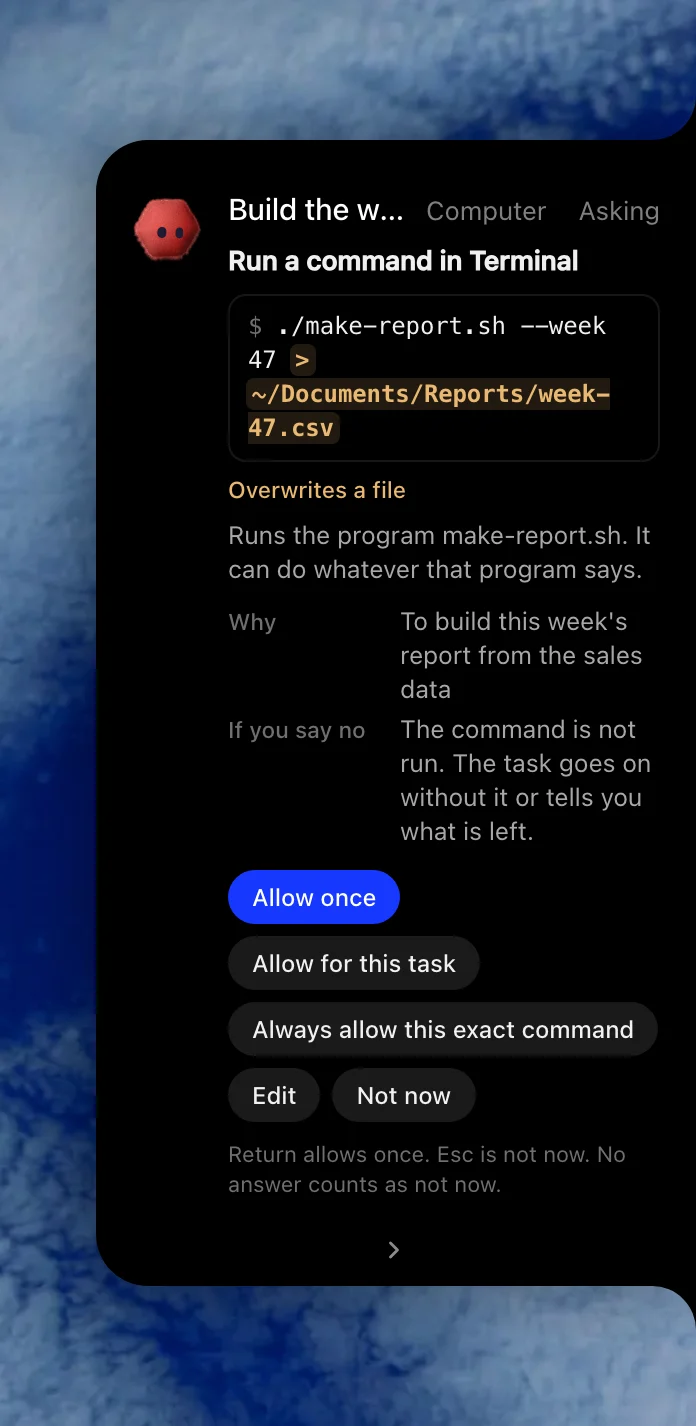
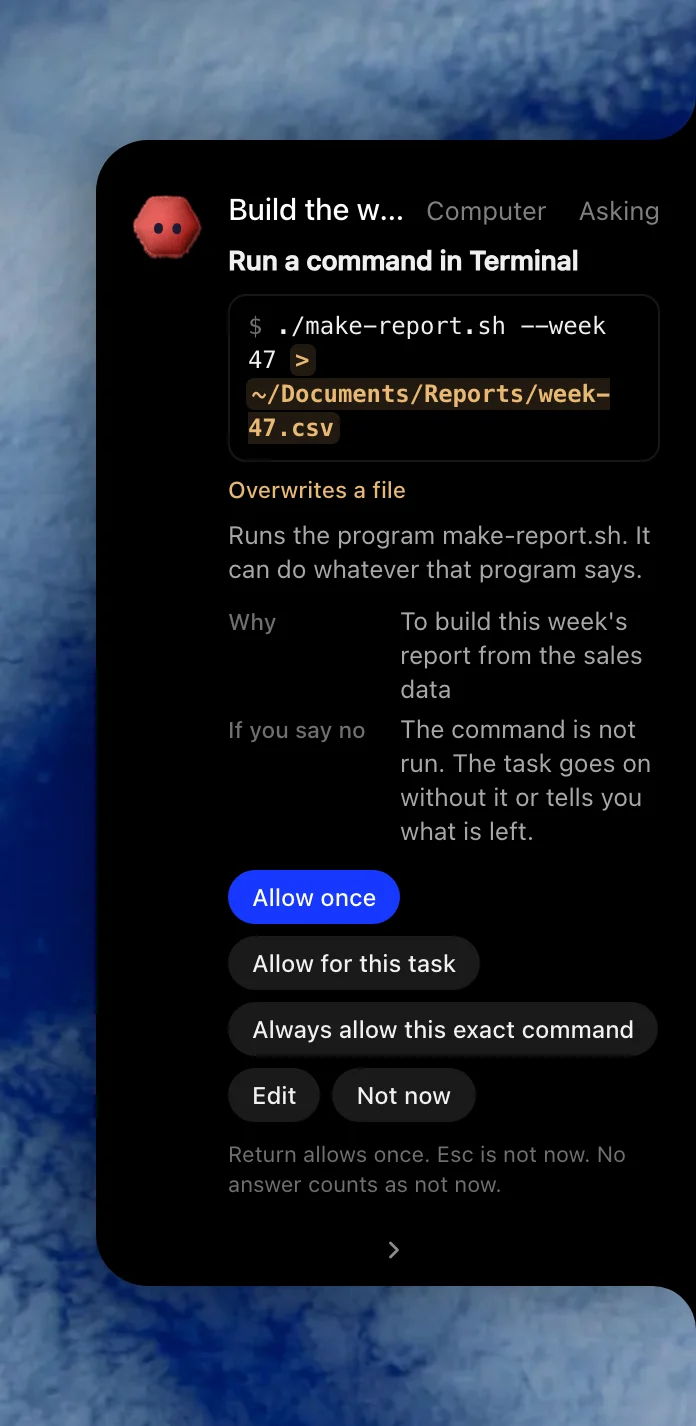
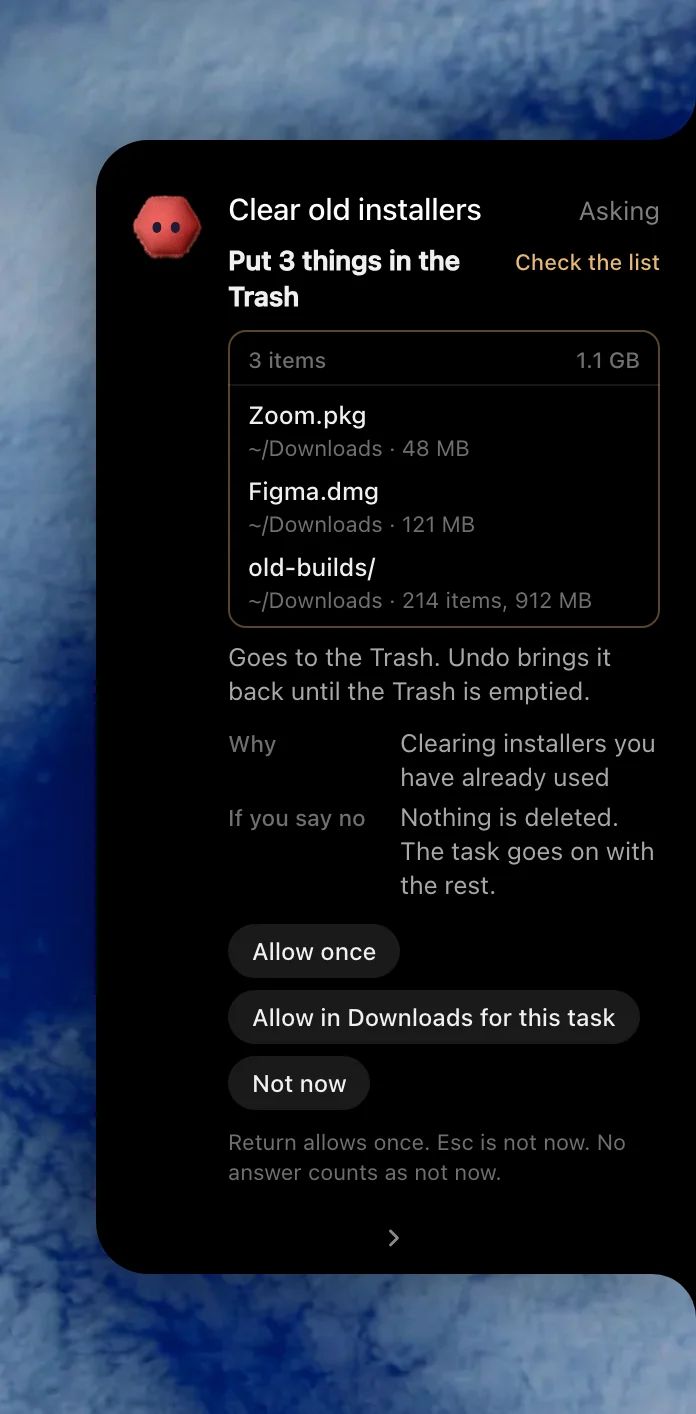
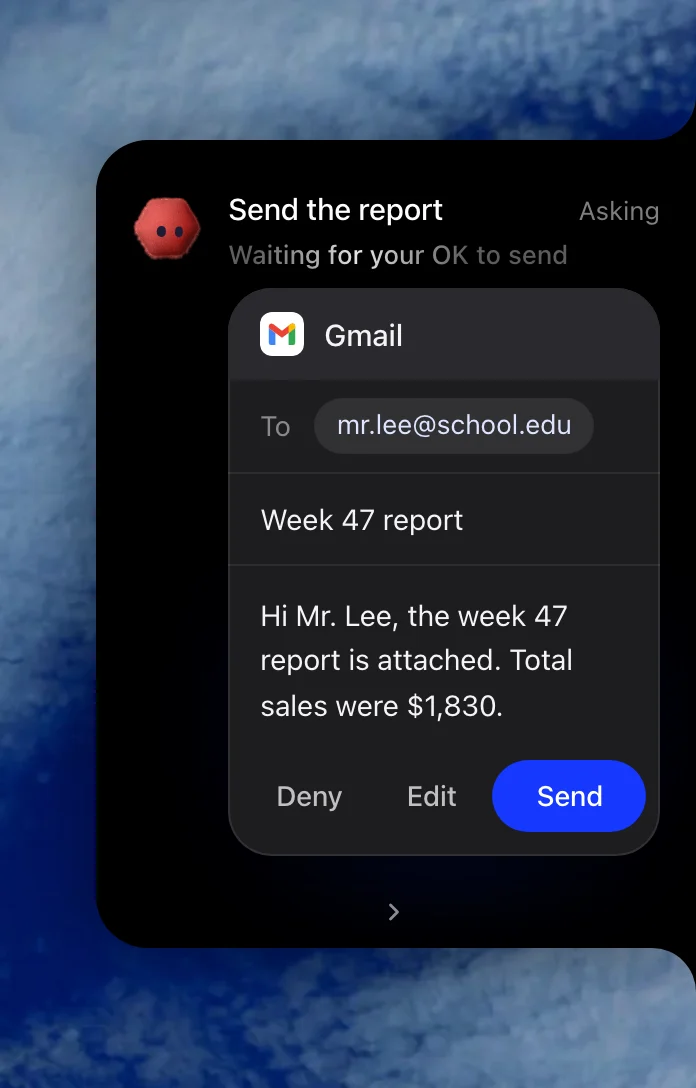
Before a command runs, a file goes to the Trash, a message goes out or money moves, it shows you a card and waits.
- Works on Mac only
Answer a card#
What it asks before#
| Step | What the card shows |
|---|---|
| A command | The exact command and what it does. You can change it before it runs. |
| Deleting | The files with their sizes. Things go to the Trash, never deleted for good. |
| Sending a message | Exactly what will go out, with Send, Edit and Deny. The card has no always allow. |
| Paying | It asks before money moves. It never types a card number. |
| A terminal, a password manager or System Settings | It always asks before typing there. |
Settings > Computer use#
- Ask before sending or paying is on unless you turn it off. On, a send or a payment waits for your yes on its card. Off, it sends and pays without asking you first.
- What it asks before, in plain words.
- Always allowed: each thing you said yes to for good, with Remove. Remove one and it asks again.
Ask for a draft#
- Say "...and leave it for me to send" and it stops there, with no card to answer: you get a draft to check and send yourself.
- Say "...and stop before you pay" and paying is yours.
If it doesn't work#
| What happens | What to do |
|---|---|
| A step didn't happen | Its card went unanswered, or you chose Not now. Ask for the task again and answer the card. |
| It asks too often | Choose Allow for this task, or Always allow where the card offers it. |
| It stopped asking and you want it to ask | Open Settings > Computer use and press Remove under Always allowed. |
Related#
Something here out of date? Write to support@duckyhelper.com.