
Press fn to talk to Ducky
- Works on Mac only
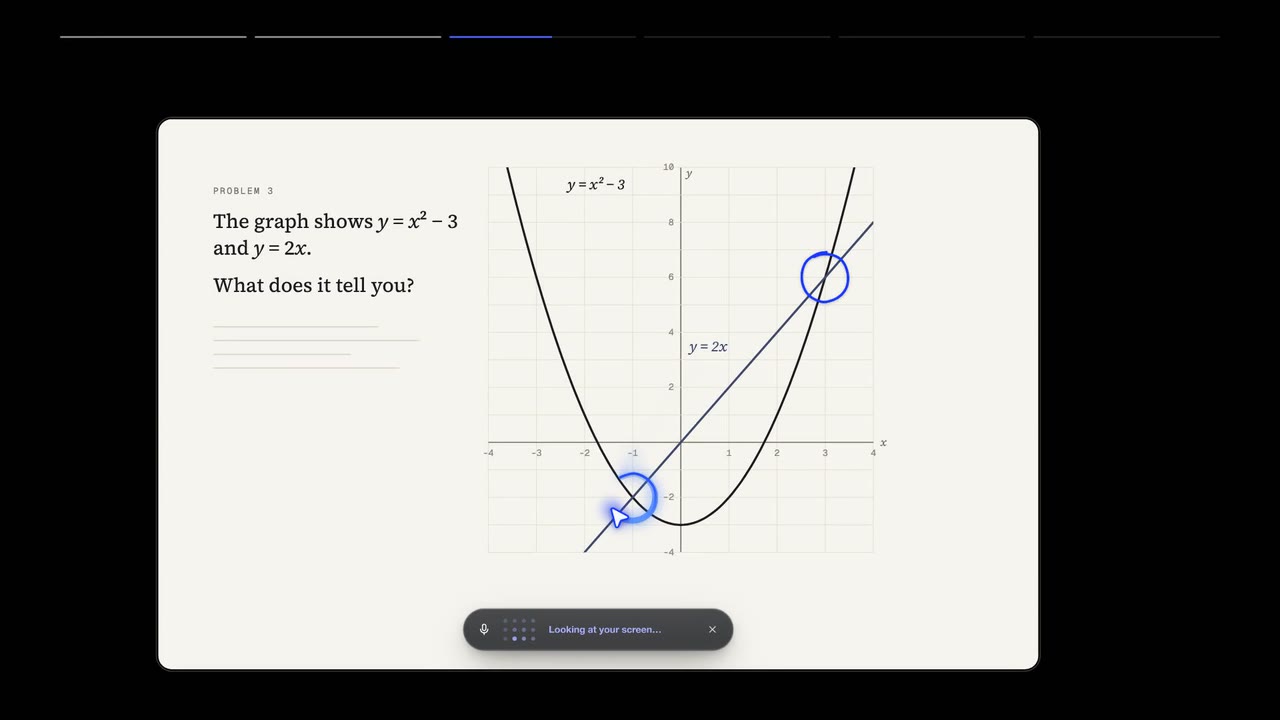
Press fn in any app. A small dark pill springs up at the bottom of the screen and listens. Talk to Ducky like you would to a person.
Film
Steps#
- Press fn (the globe key) in any app. Or click the duck in the menu bar and choose Talk to Ducky.
- Ask out loud. Ducky answers out loud, with captions word by word.
- Keep going: ask a follow-up, or say "show me".
- Press fn again, or the X, to put it away.
Tips#
- The pill stays in front of your other windows, so you can keep working while it talks.
- The pill opens on the screen with your mouse.
Limits#
- Talking needs the Microphone and Input monitoring switches: Set up your Mac.
- Without Plus, Pro and Unlimited, talking out loud is a one-time 3-minute welcome. After that you type to Ducky, up to 60 turns a day. See Plans.
Related#
Something here out of date? Write to support@duckyhelper.com.