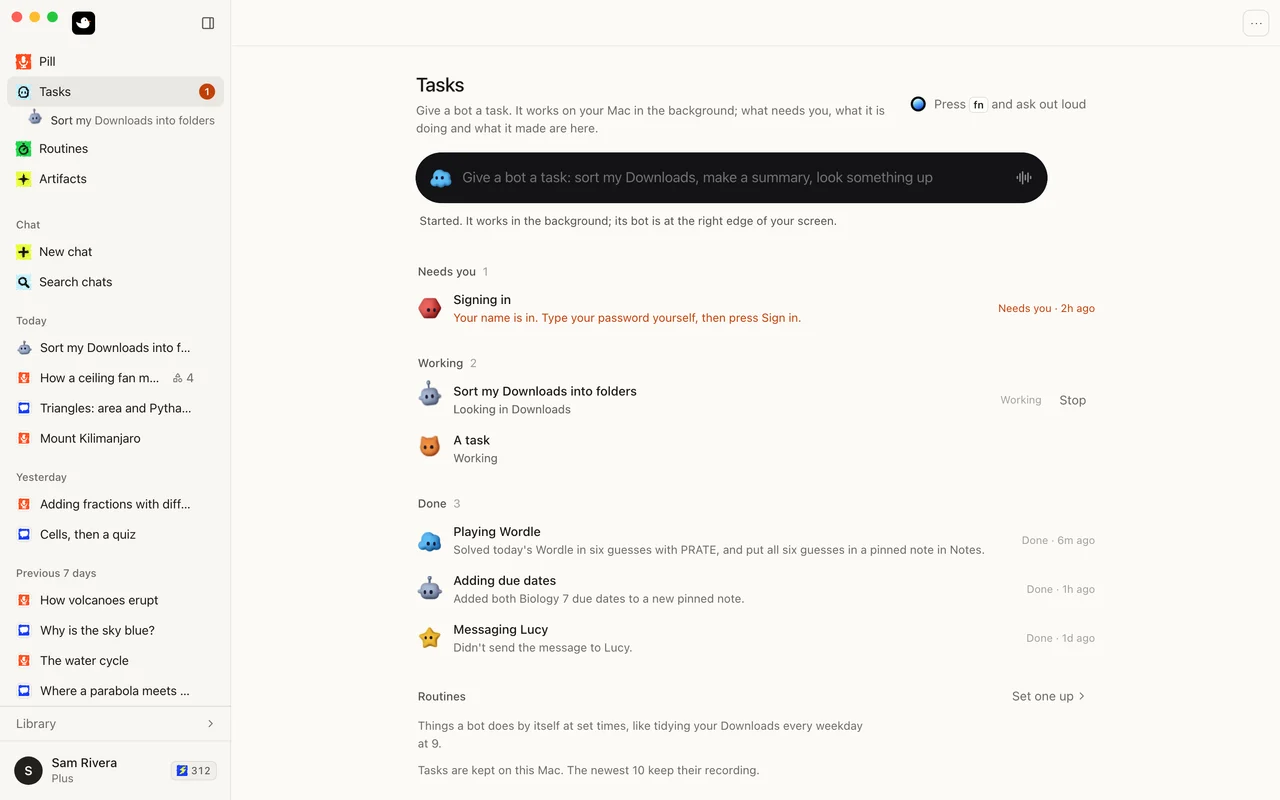
Tasks
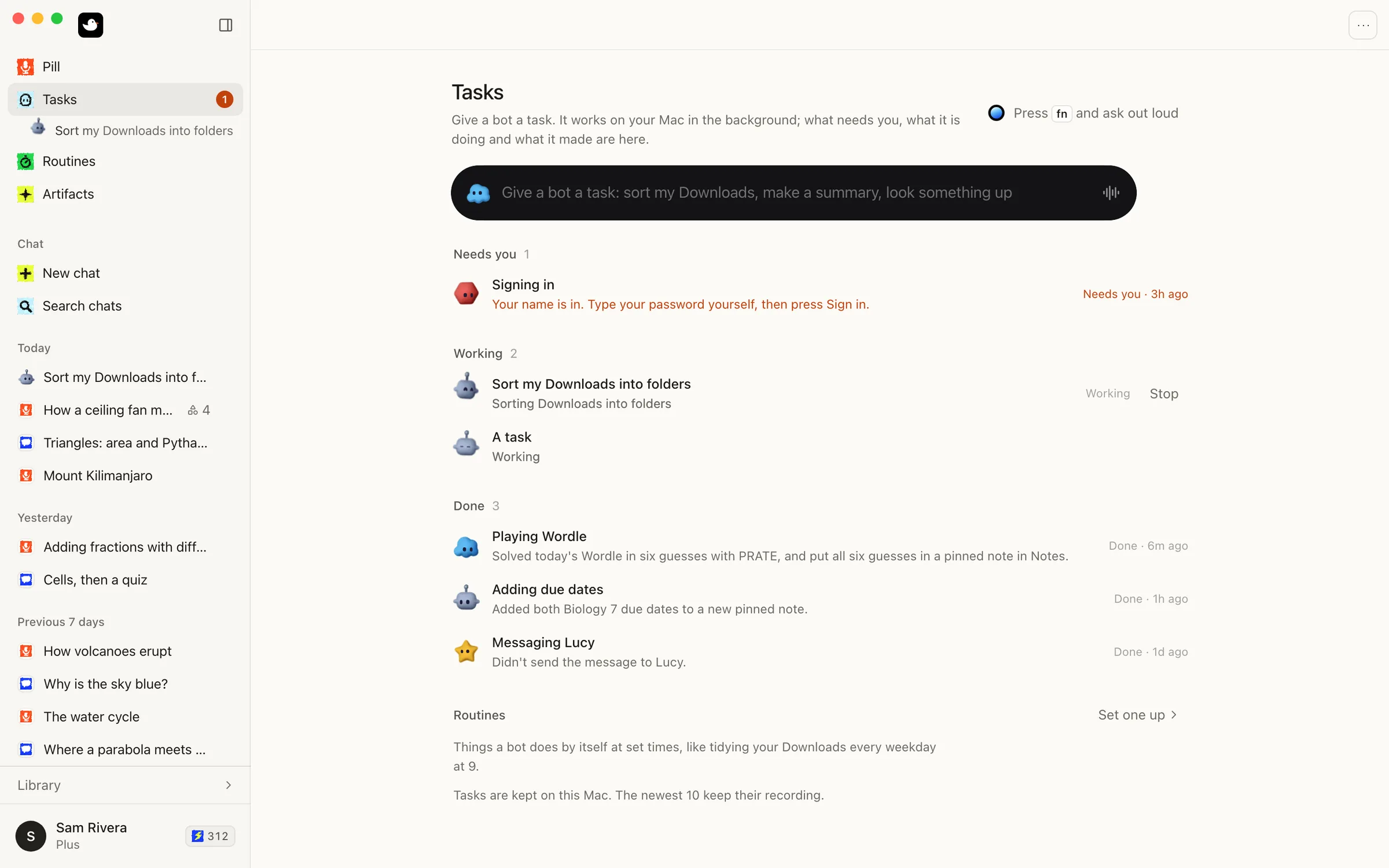
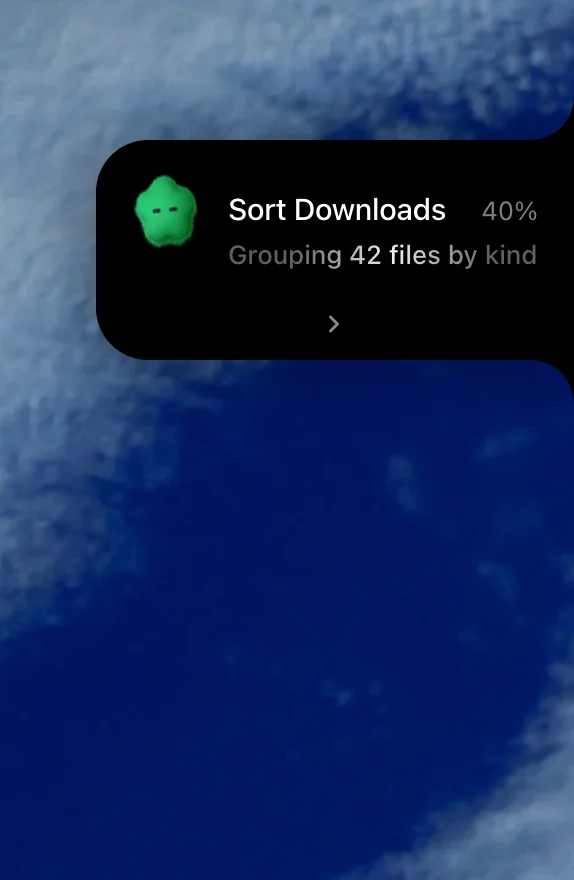
Each task is a card at the top right while it works, and a page under Tasks after.
- Works on Mac only
Steps#
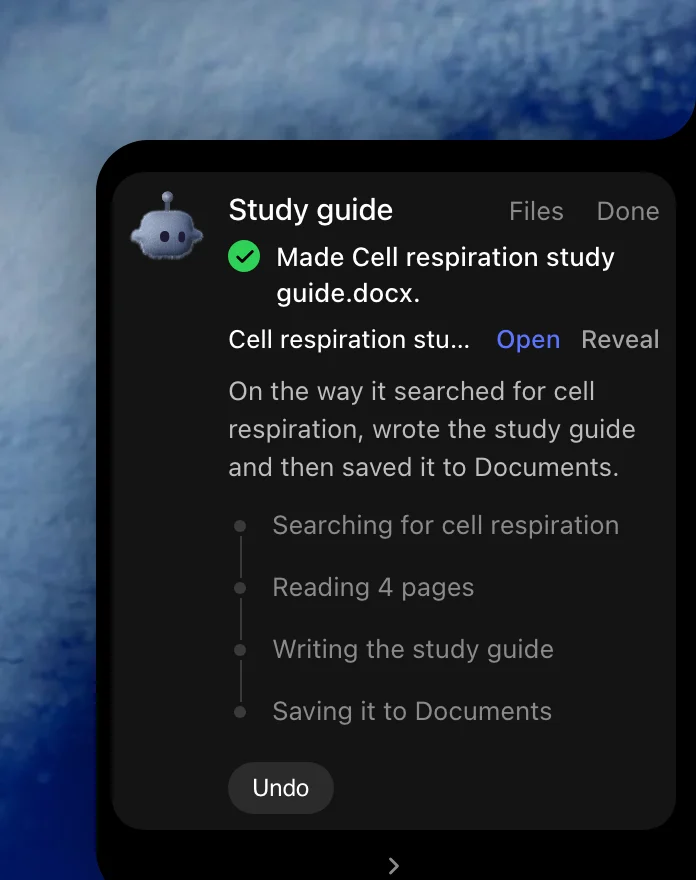
On a task's card#
- Its bot and the step it is on.
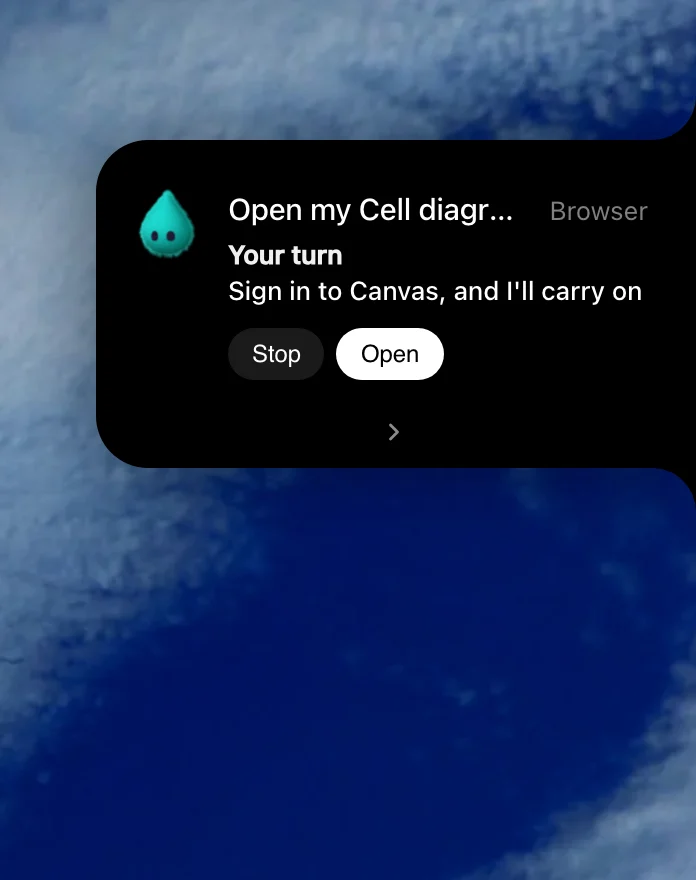
- Your turn, when a step is yours, like a sign-in.
- Answers to pick, when it needs a choice from you.
- Stop and Take control: Stop and Take control.
- What it made, with Open and Reveal, and Undo when it changed your files.
Direct a running task#
- Tell the pill to change what a running task is doing, pause it, stop it or put it first.
- Or type in the task's own thread, under Tasks.
- The task keeps what it has already done.
More than one#
- Up to three tasks can run at once. Each has its own bot and its own row.
- One bot can tidy your files while another works in an app.
Longer tasks#
A task says its plan first and keeps its place over many steps. A follow-up like "add sunscreen to it" changes the same file instead of making a second copy.
If it doesn't work#
| What happens | What to do |
|---|---|
| A task waits and nothing happens | Look at its card: it may say Your turn, or ask you to allow a step. No answer counts as no. |
| You want it to do something else | Tell the pill, or type in the task's thread. |
Related#
Something here out of date? Write to support@duckyhelper.com.