
DuckyHelper on your Mac
Press fn in any app. Ducky sees your screen, points and draws on it, and walks you through it.
13 pages, each with its own film.
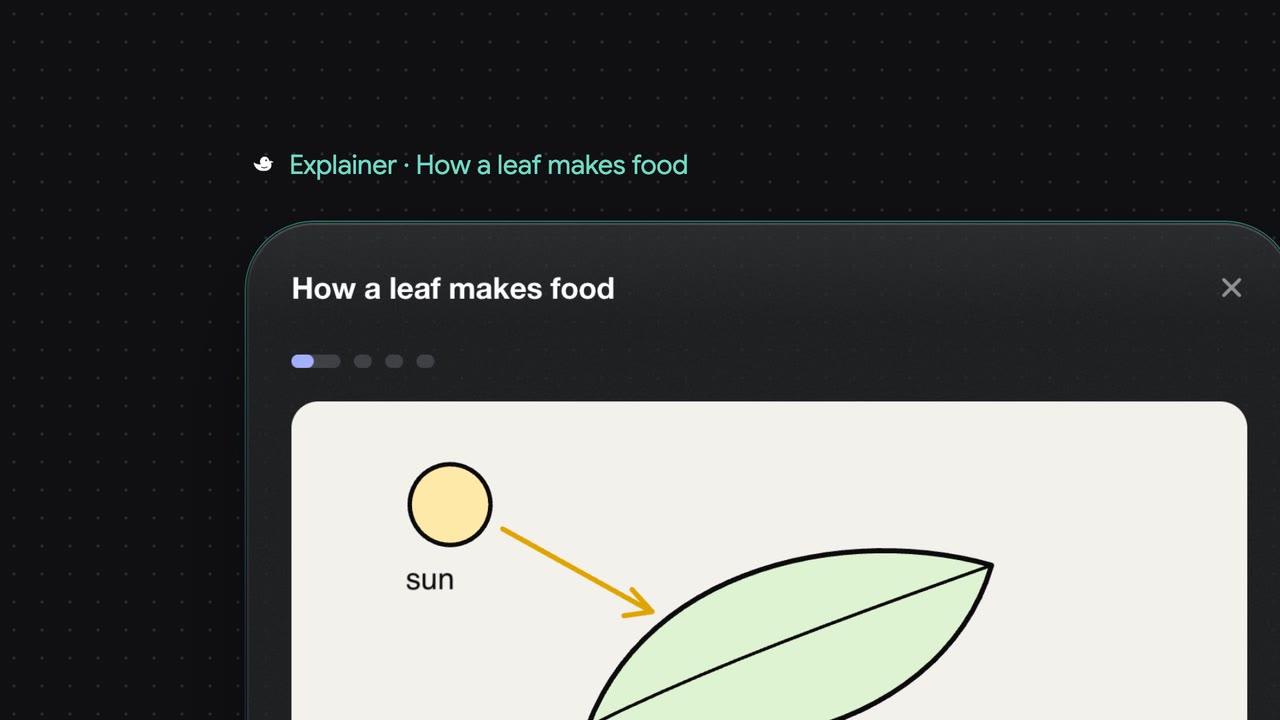
Pages in DuckyHelper on your Mac
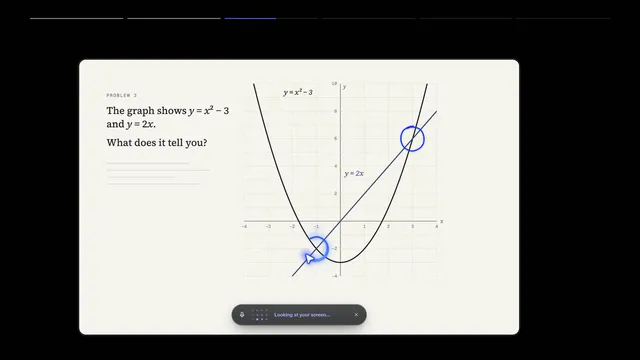 Press fn to talk to DuckyFilm · 0:39The pill: talk, read the captions, put it away. Mac
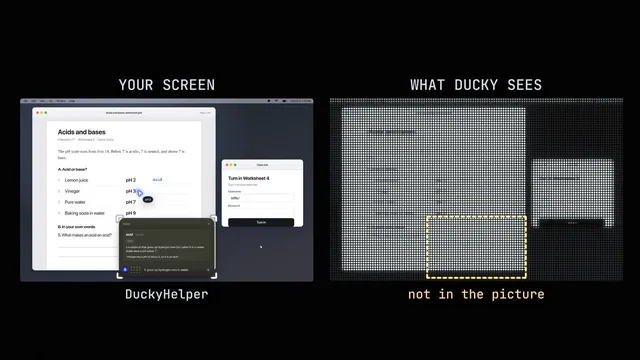 Ducky sees your screenFilm · 0:37Ask about exactly what is in front of you; what it looks at, and when it doesn't. Mac
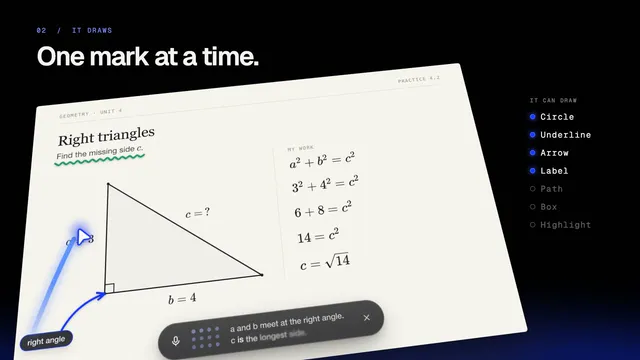 Ducky points and draws on your screenFilm · 0:41The pointer, circles, arrows, labels and the spotlight, right over your apps. Mac
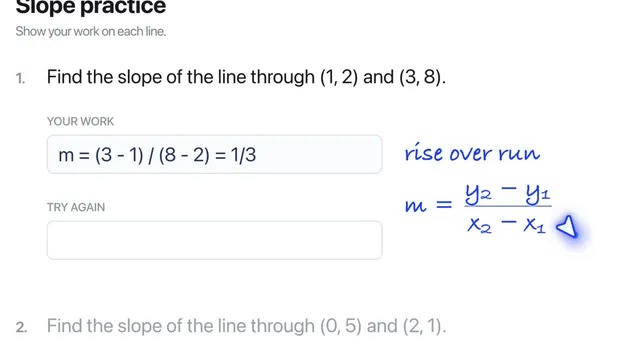 Ducky writes next to your workFilm · 0:30Handwritten hints and math in the margin, beside the line they are about. Mac
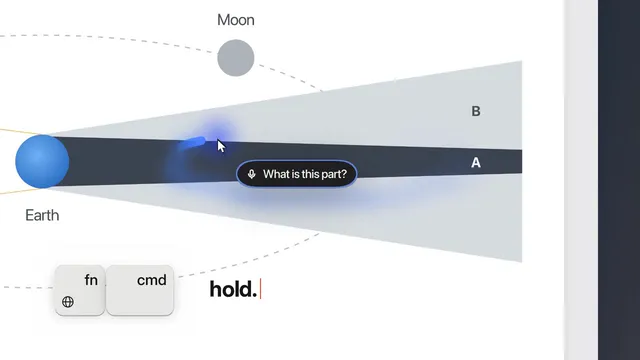 Point at it yourself (fn + cmd)Film · 0:31Hold fn + cmd, trace over the thing, and ask "what is this?" Mac
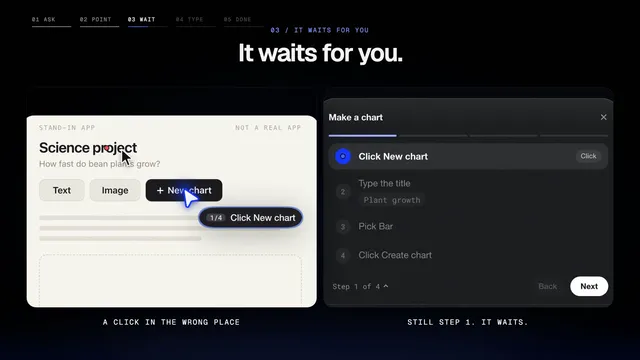 Step-by-step tutorials in your own appsFilm · 0:40Ducky shows each step, waits for you to do it, and moves on when you did. Mac
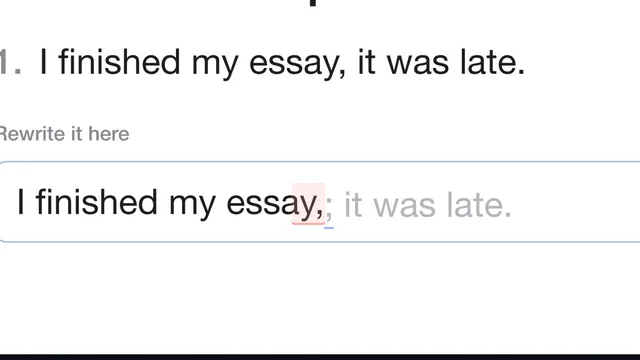 Typing coachFilm · 0:40Grey ghost letters at your caret in any app; a slip is marked so you can fix it. Mac
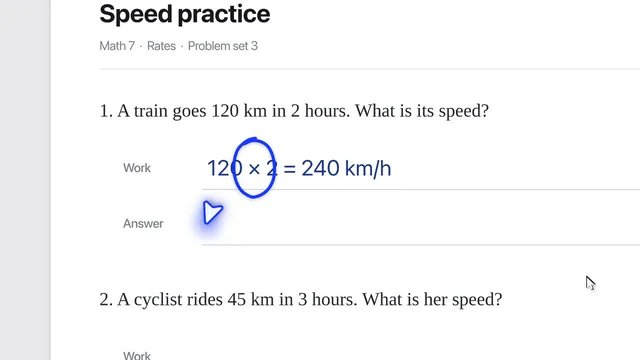 Watch while you workFilm · 0:38Ask Ducky to keep an eye on your work and speak up at the right moment. Mac
- Film comingWatch me, then youDucky shows a task once, then you do it; it clicks or types for you only when you ask. Mac
- Film comingRead along on your screenWords light up on your screen as Ducky reads, or as you read. Mac
- Film comingThe shared whiteboardOpen Whiteboard: you and Ducky draw on the same board. Mac
- Film comingThe Island (beta)Ducky at the top of the screen by the notch, instead of the pill. Mac
- Film comingThe menu bar duck and the dashboardEverything in the duck's menu, and the dashboard window. Mac