Routines
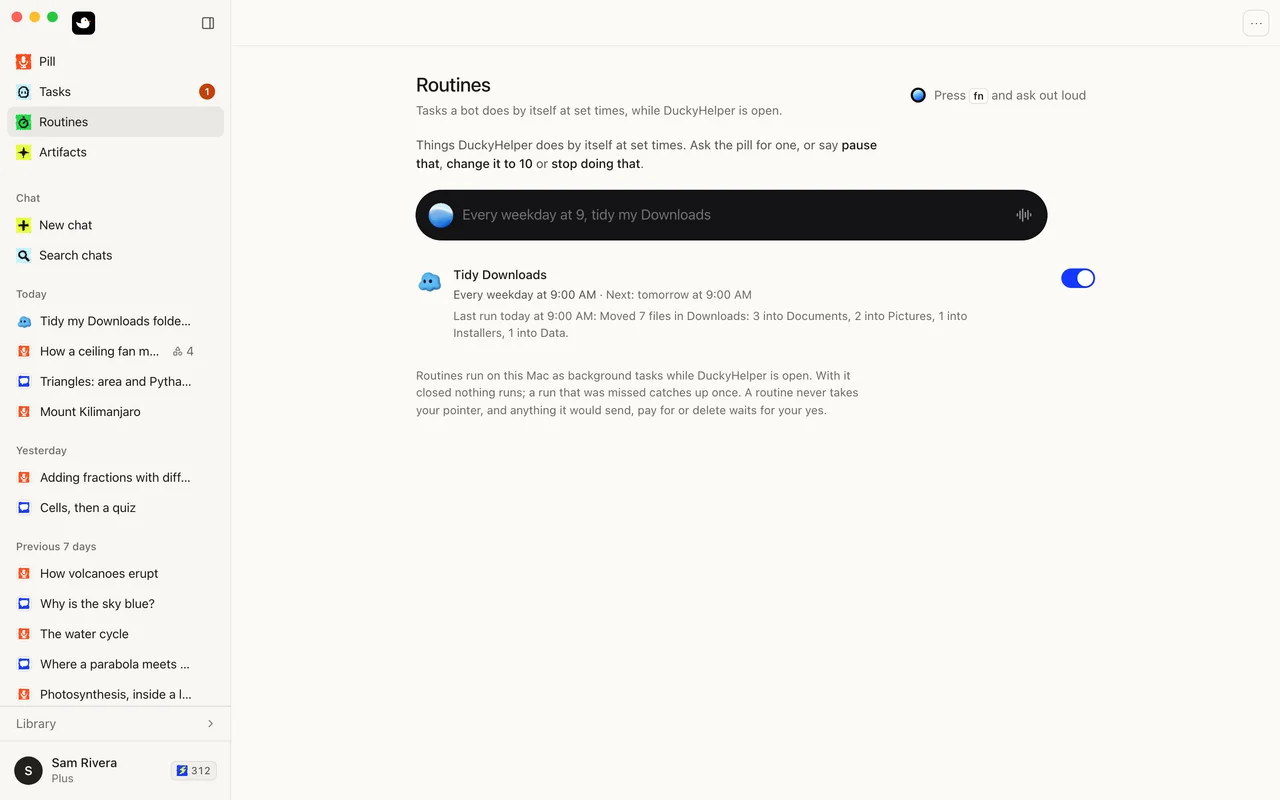
Say when a job should run. It runs on time on your Mac, while the app is open.
- Works on Mac only
Steps#
Press fn and say the job and when.
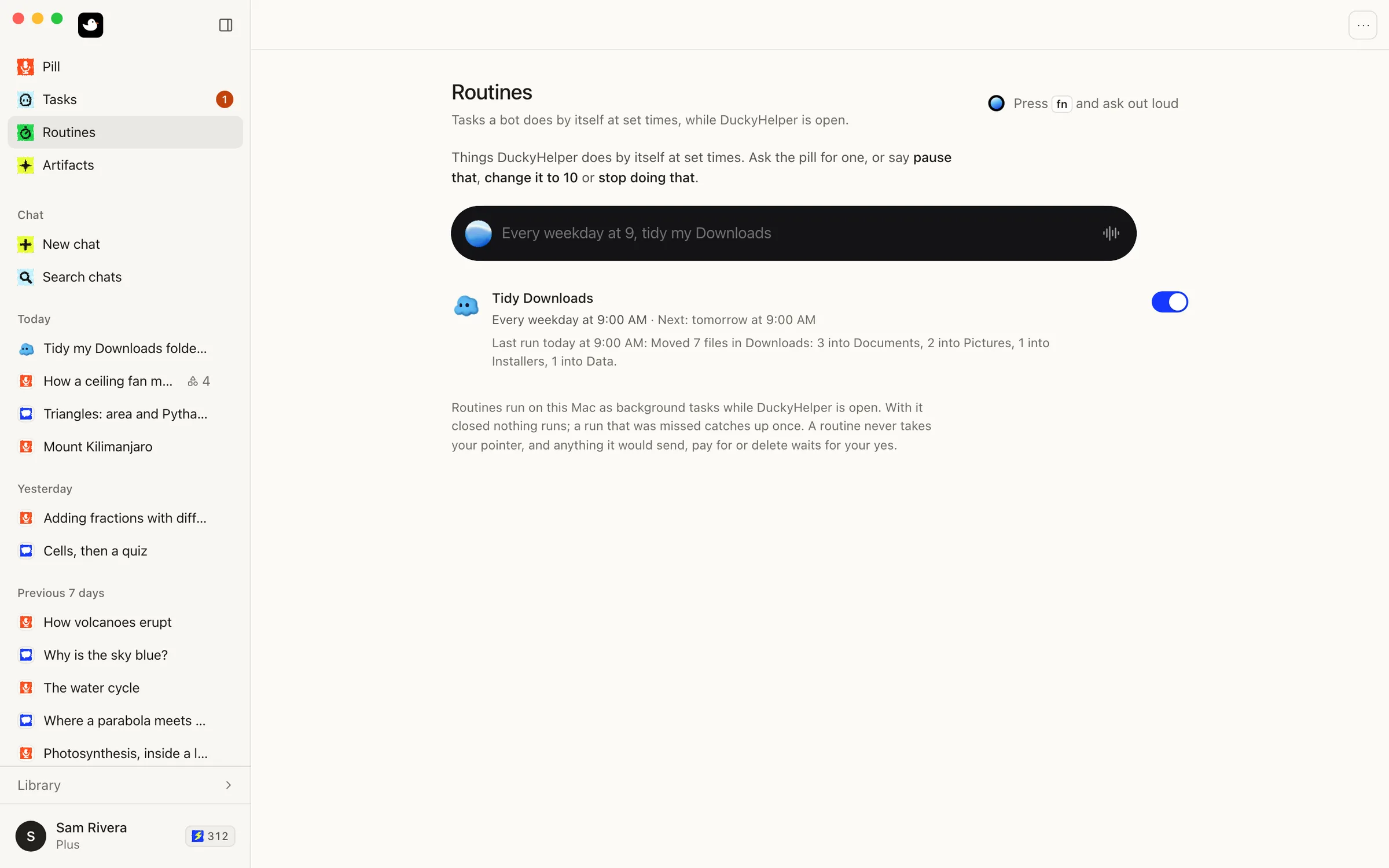
It shows under Routines in the app, with when it runs.
Change or remove it there, or tell the pill.
Good to know#
- A routine runs while DuckyHelper is open on your Mac.
- It asks before anything risky, like any task: It asks first.
- Each run is a task under Tasks, with Undo when it changed your files.
If it doesn't work#
| What happens | What to do |
|---|---|
| A routine didn't run | DuckyHelper was not open at that time. Open it, and turn on open at login in Settings > General. |
Related#
Something here out of date? Write to support@duckyhelper.com.