Conversations and sharing
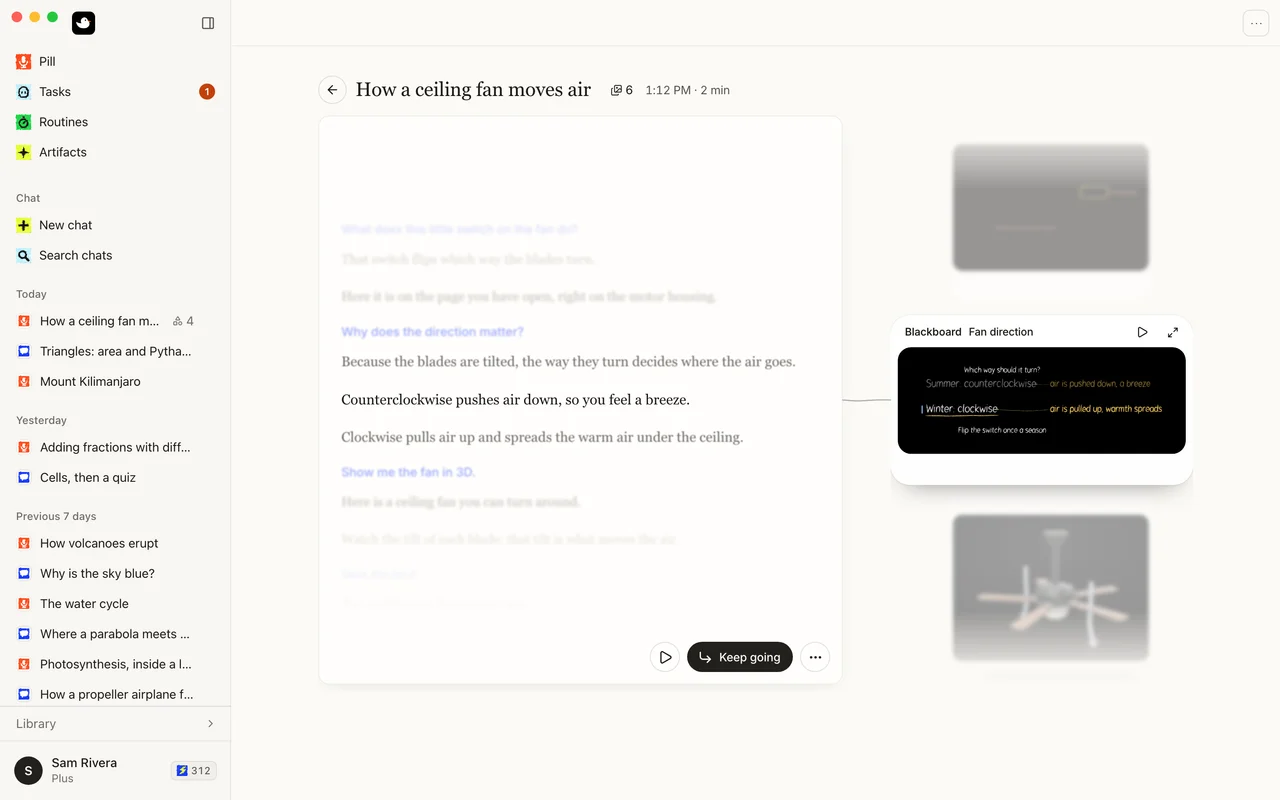
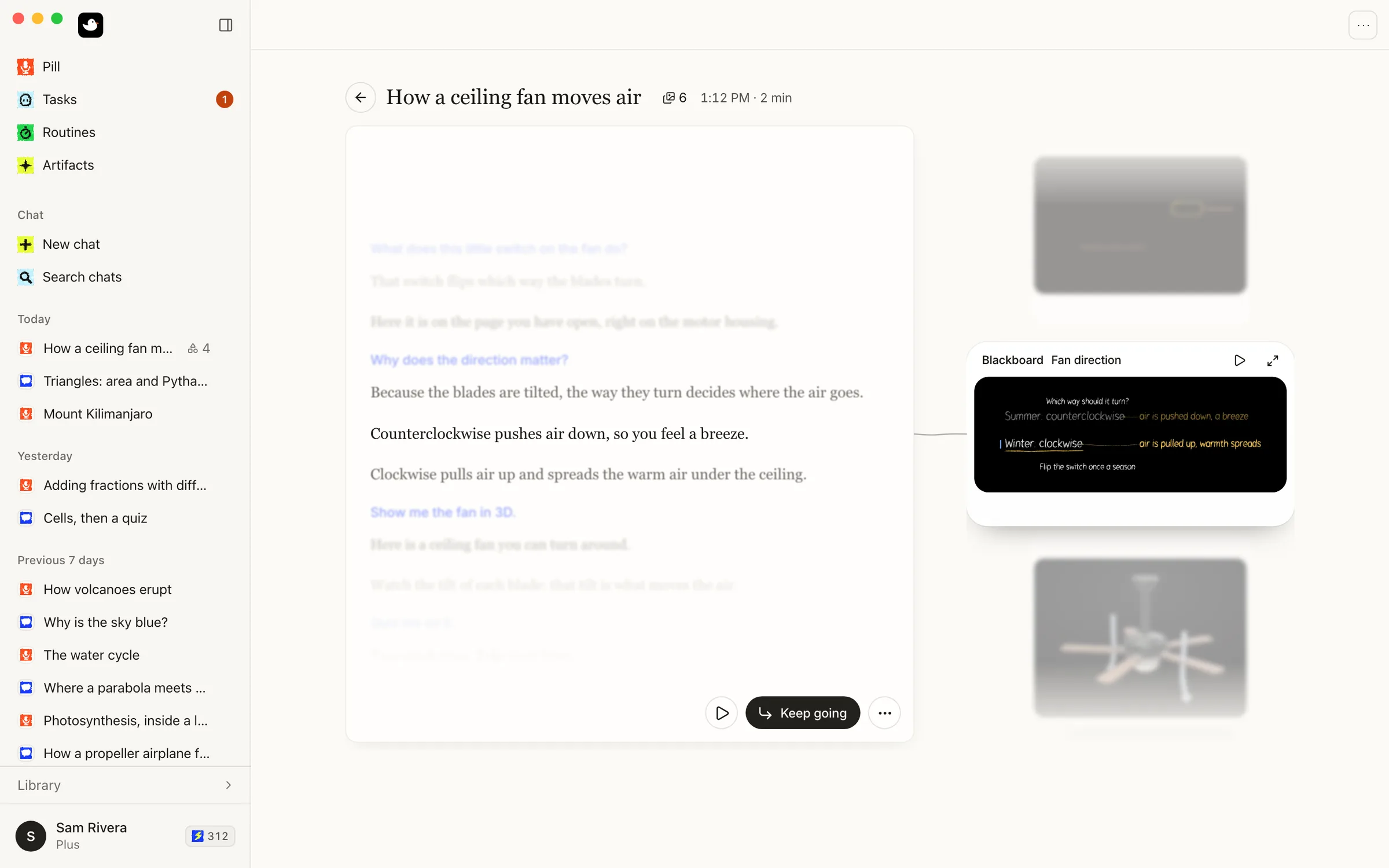
A conversation with the pill opens like a chat, with what it showed beside its words. Share one with a link.
- Works on Mac only
Steps#
Open a conversation with the pill. Its words are on one side, what it showed on the other.
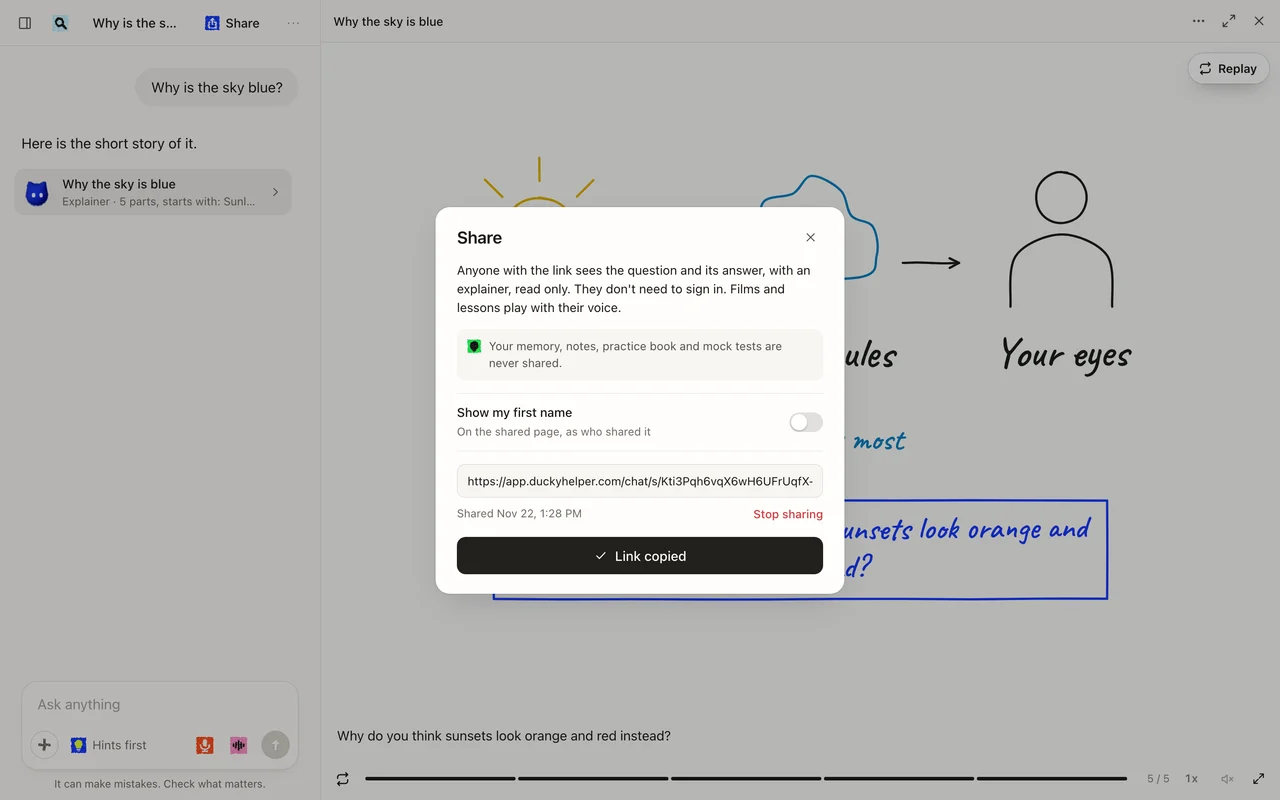
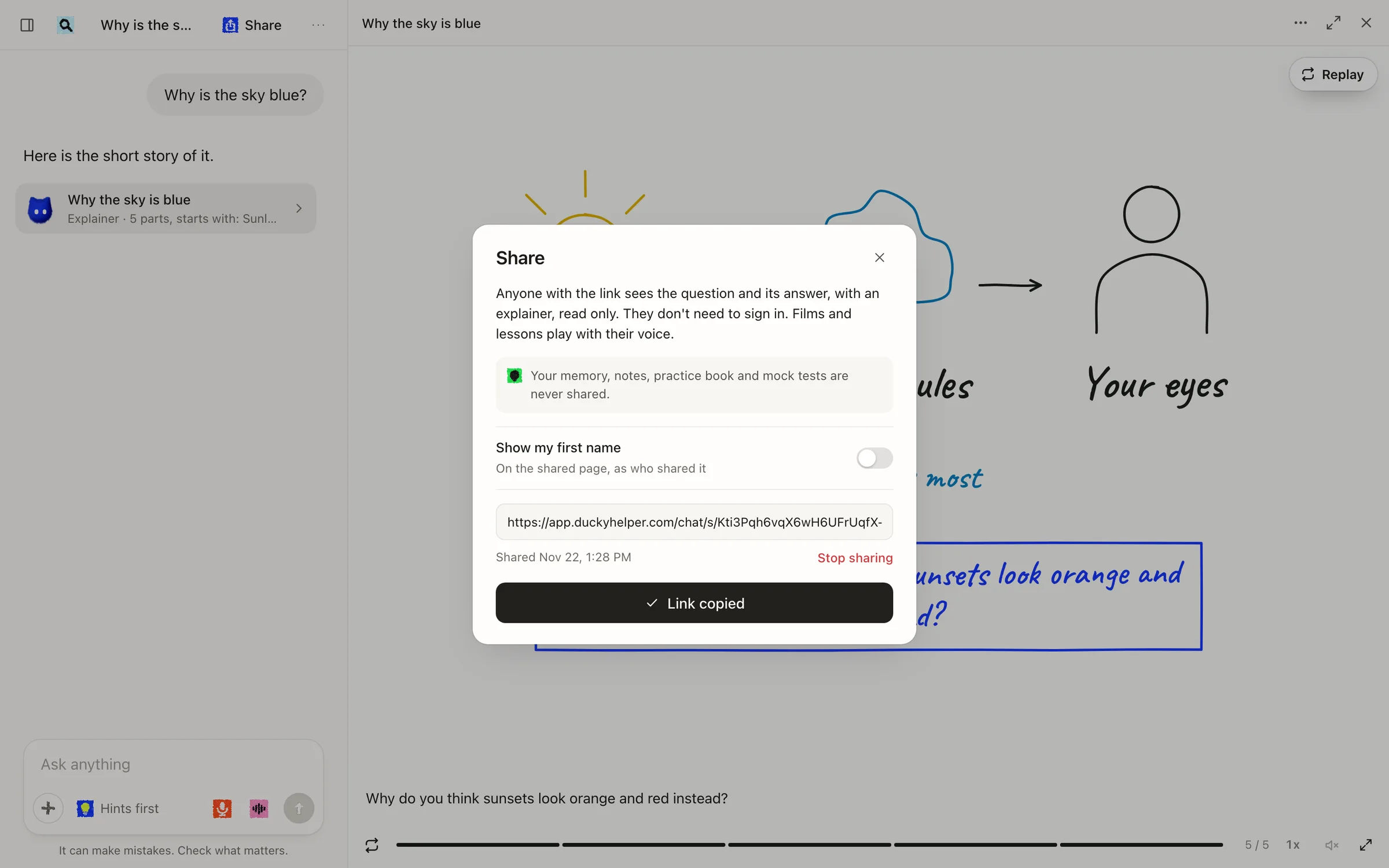
Press Share, copy the link and send it.
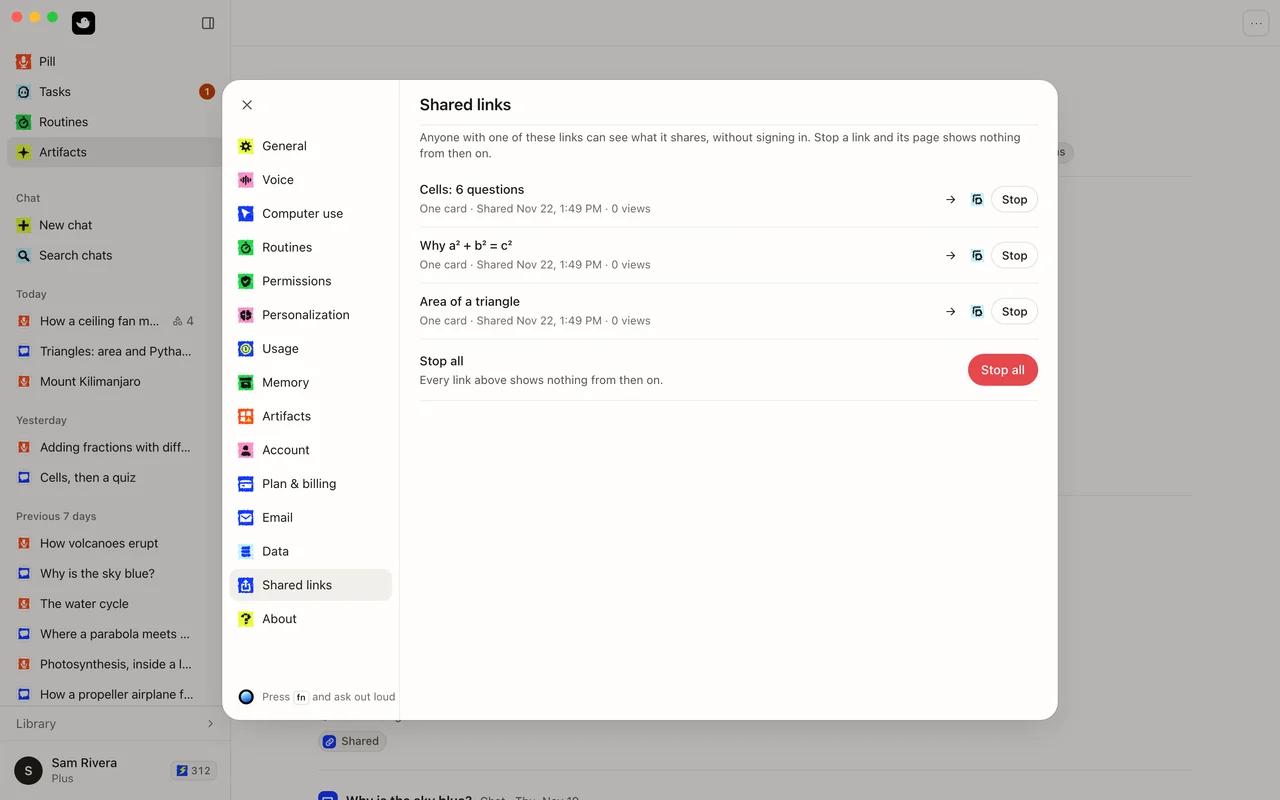
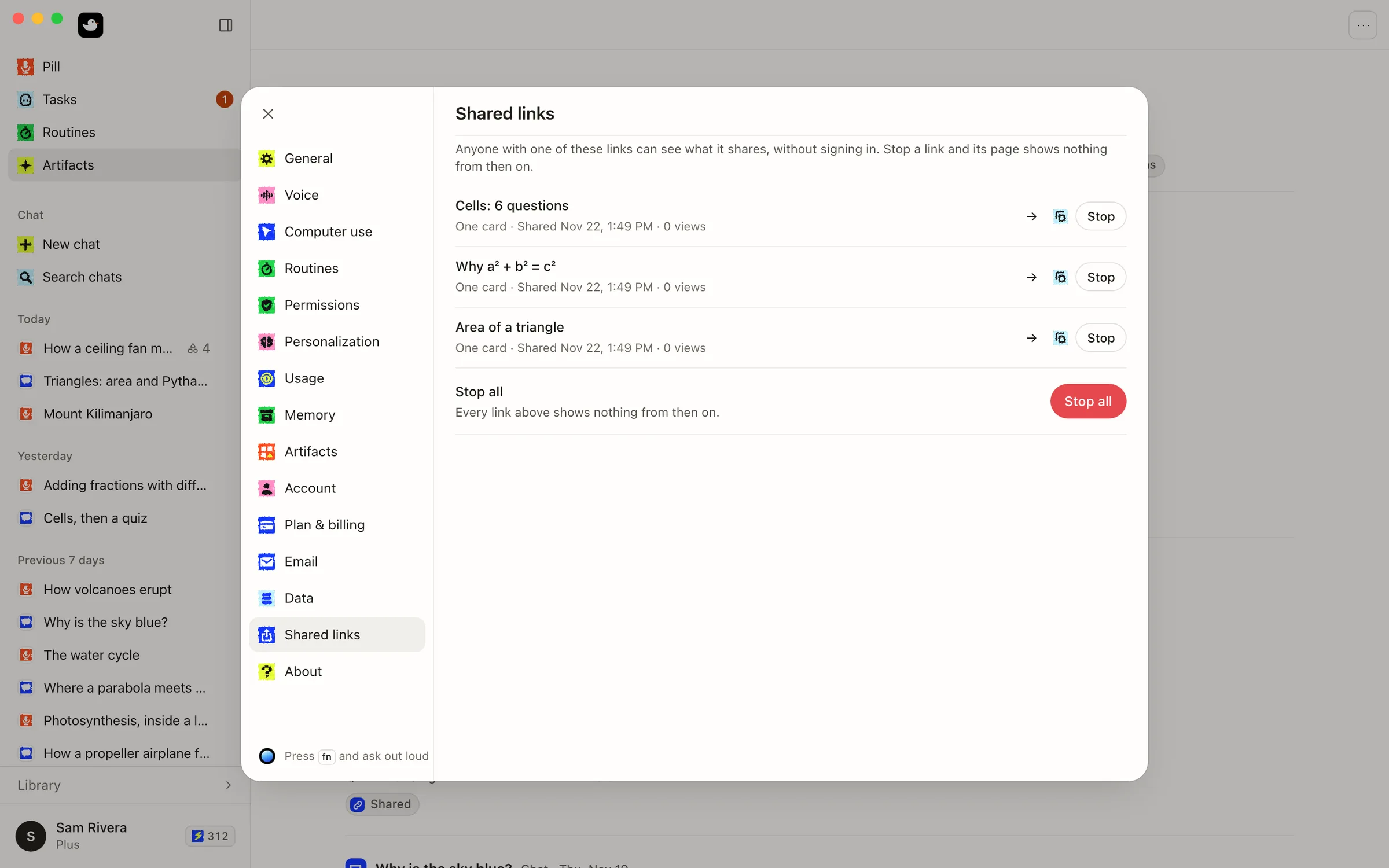
Settings > Shared links lists what you shared. Stop a link there.
Share with a link#
Open a chat or a pill conversation and press Share. To share one thing it made, share it from that thing.
Copy the link and send it.
Anyone with the link can open it.
What a link shows#
- The chat or conversation as you see it: what was asked, what it answered and what it made.
- Never your screen or your own voice.
- How long a link works is in the Privacy Policy.
Stop a link#
Settings lists what you shared. Stop a link there in one press.
If it doesn't work#
| What happens | What to do |
|---|---|
| You shared by mistake | Open Settings, find it under what you shared, and stop the link. |
| You don't want a conversation kept | Delete it from its page. Its link stops working too. |
| There's no Share | Sharing is off for children's accounts (under 13). |
Related#
Something here out of date? Write to support@duckyhelper.com.