
Pictures with labels
- Works on Mac only
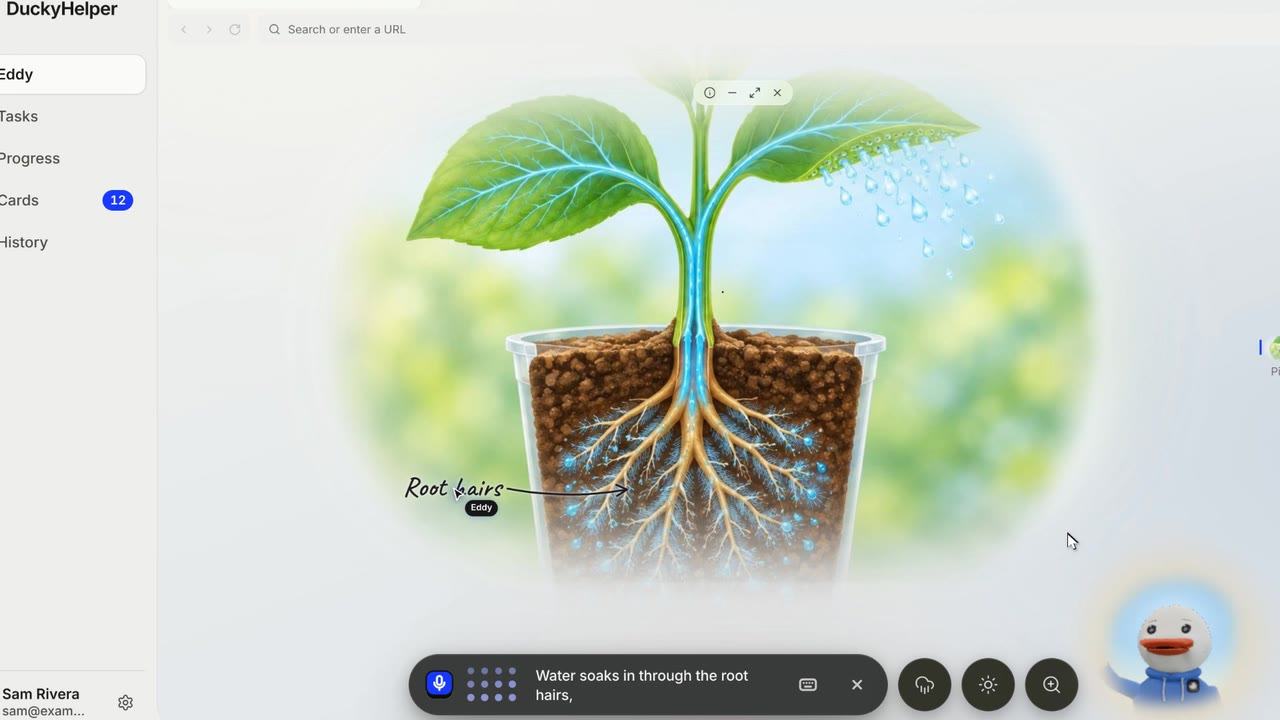
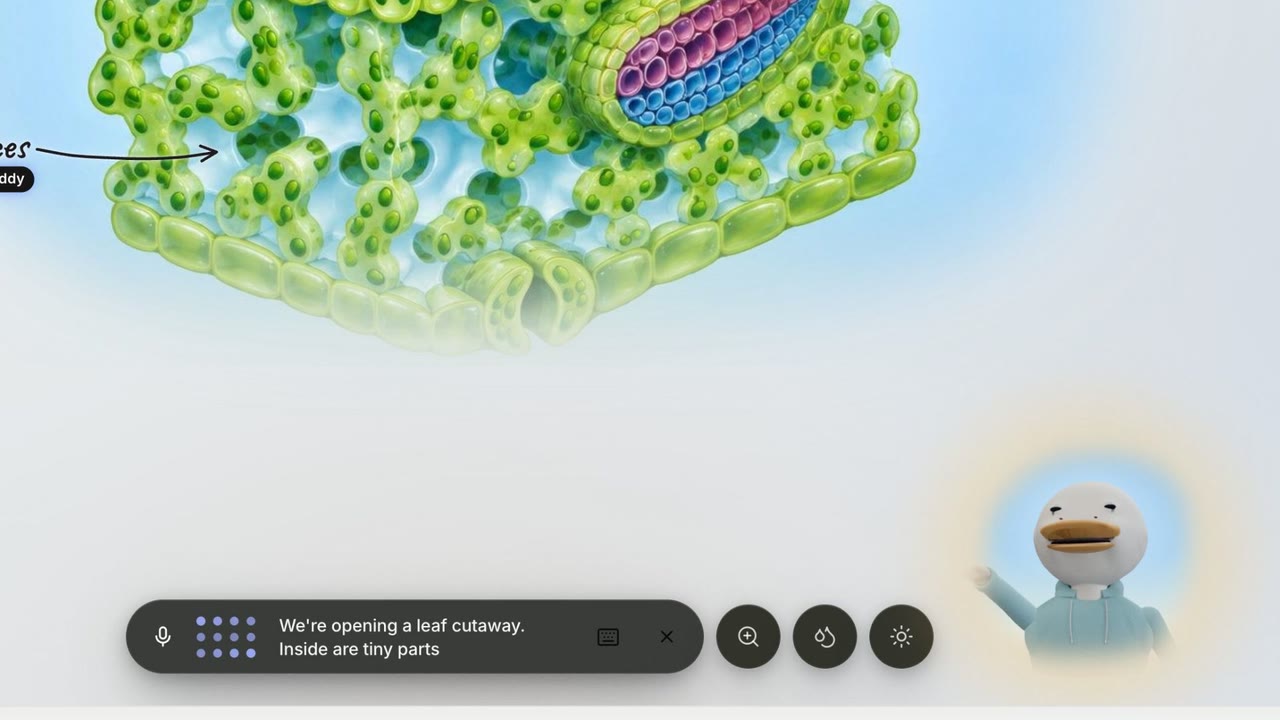
Ask to see something. A soft window grows on Eddy's desk, the picture comes into focus, and Eddy labels the parts one by one as it names them.
Film
Steps#
- Ask "show me inside a leaf". Or press Picture (⌘ I), or pick A picture in How Eddy answers.
- Watch the labels appear as Eddy explains.
- Use the picture's small pill: (i) says what it is and where it is from; Minimize, Fill the desktop and Close.
- Drag the picture to move it. Drag its side handles to resize it.
Tips#
- Click any part to ask about it.
- While a picture is being made, Eddy may ask you a quick question so the wait is useful.
Limits#
- A picture Eddy makes is part of Plus, Pro and Unlimited and takes about ten seconds. A real photo from Wikipedia and a drawn diagram work on any plan.
More films#
Short films that also show this, each carried by one learner's question. They play with sound.
Related#
Something here out of date? Write to support@duckyhelper.com.