
Your first lesson with Eddy
- Works on Mac only
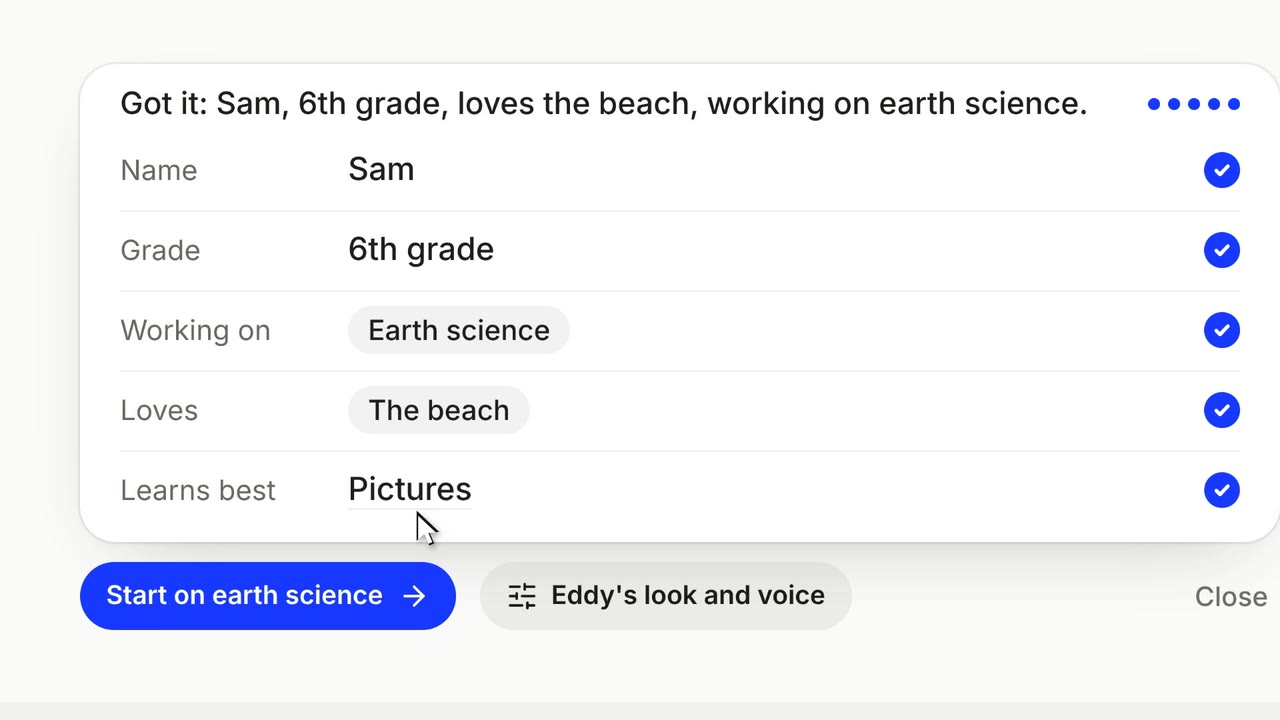
The first time you open Eddy, it asks a few quick questions so lessons fit you. Then it answers your first question.
Film
Steps#
- Click the duck in the menu bar and choose Open Dashboard, where Eddy is first.
- In the card at the top of the start page, choose Talk with Eddy. Eddy asks a few questions, one at a time.
- Choose Done. Eddy sums it up and suggests a first thing to try.
- Ask your first question.
Three example lessons#
A new account finds three example lessons under Recents: Adding fractions, Inside a leaf, and Why are leaves green? Play one to see the blackboard, a labelled picture, and research. Ask Eddy about this makes it your own lesson.
Tips#
- Eddy asks its getting-to-know-you questions once per account, so a second Mac does not ask again.
- From the same card you can customize Eddy.
More films#
Short films that also show this, each carried by one learner's question. They play with sound.

Related#
Something here out of date? Write to support@duckyhelper.com.