
Step-by-step tutorials in your own apps
- Works on Mac only
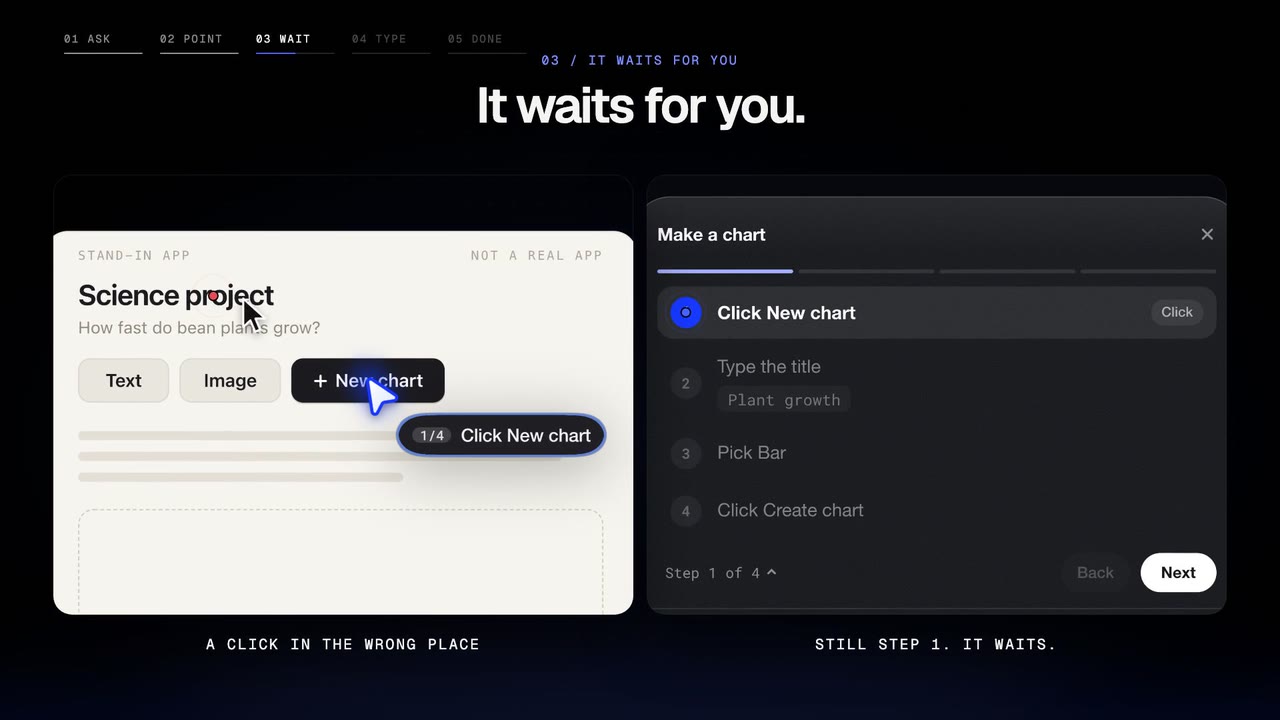
Ask how to do something in an app or website you have open. Ducky shows each step on your real screen, waits for you to do it, and moves on when you really did.
Film
Steps#
- Open the app or website.
- Press fn and ask: "show me how to make a chart".
- The pointer shows where, and Ducky says the step.
- Do the step. Ducky follows your clicks, the field you are in and your typing, and moves on when it is done. Or press Next.
- A small mini pill follows your mouse with Cancel and Done. Hold fn to stop it, then click it.
Code, one chunk at a time#
In your editor (VS Code, a coding site, any text box), say "walk me through writing this". Ducky says one small step, then shows its code as grey letters at your caret. Type it, and the next step follows.
Limits#
- Following your clicks needs the Accessibility switch. It happens only during a tutorial, never in the background.
Related#
Something here out of date? Write to support@duckyhelper.com.