
Point at it yourself (fn + cmd)
- Works on Mac only
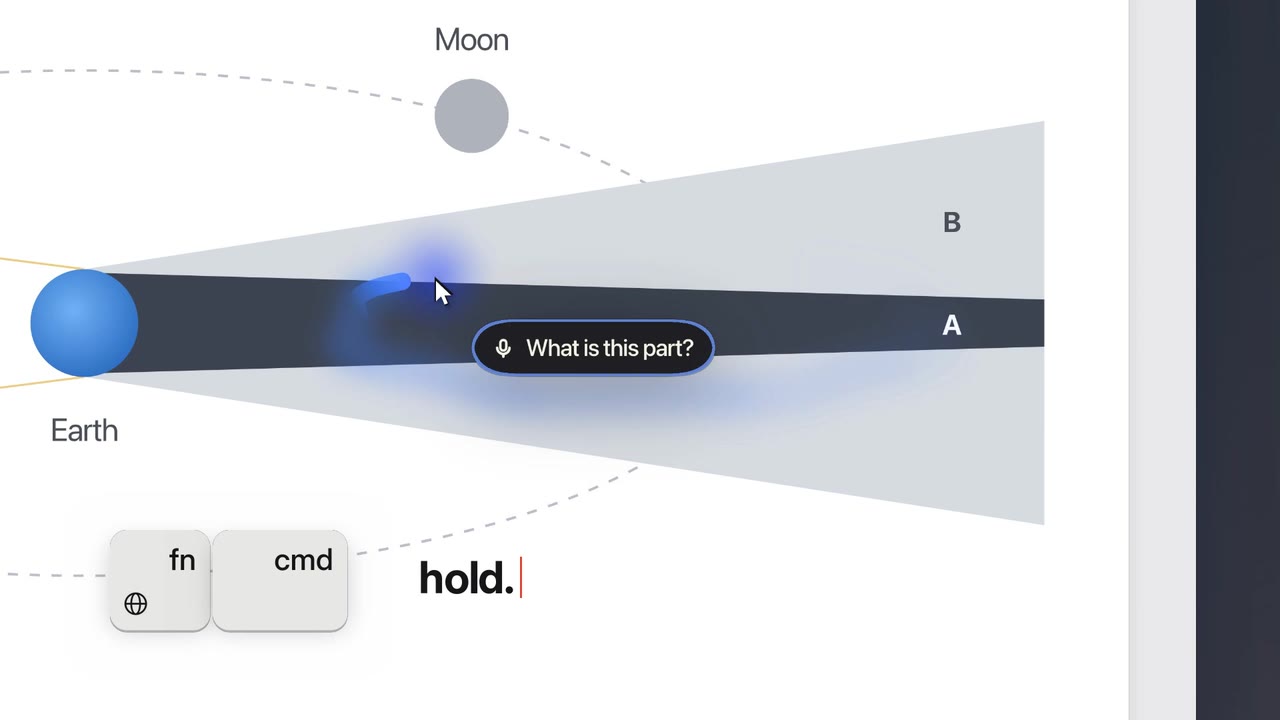
Hold fn + cmd and move the mouse over the thing you mean. Ducky sees exactly what you traced.
Film
Steps#
- Hold fn and cmd.
- Move the mouse over the thing. A glowing blue trail follows it.
- Talk while you hold: your words show in a small capsule.
- Let go. Ducky gets a picture with your path drawn on it, and answers.
Tips#
- Trace two things and say "merge those" or "what's the difference?"
Limits#
- Needs the Input monitoring and Screen recording switches.
Related#
Something here out of date? Write to support@duckyhelper.com.