
Ducky writes next to your work
- Works on Mac only
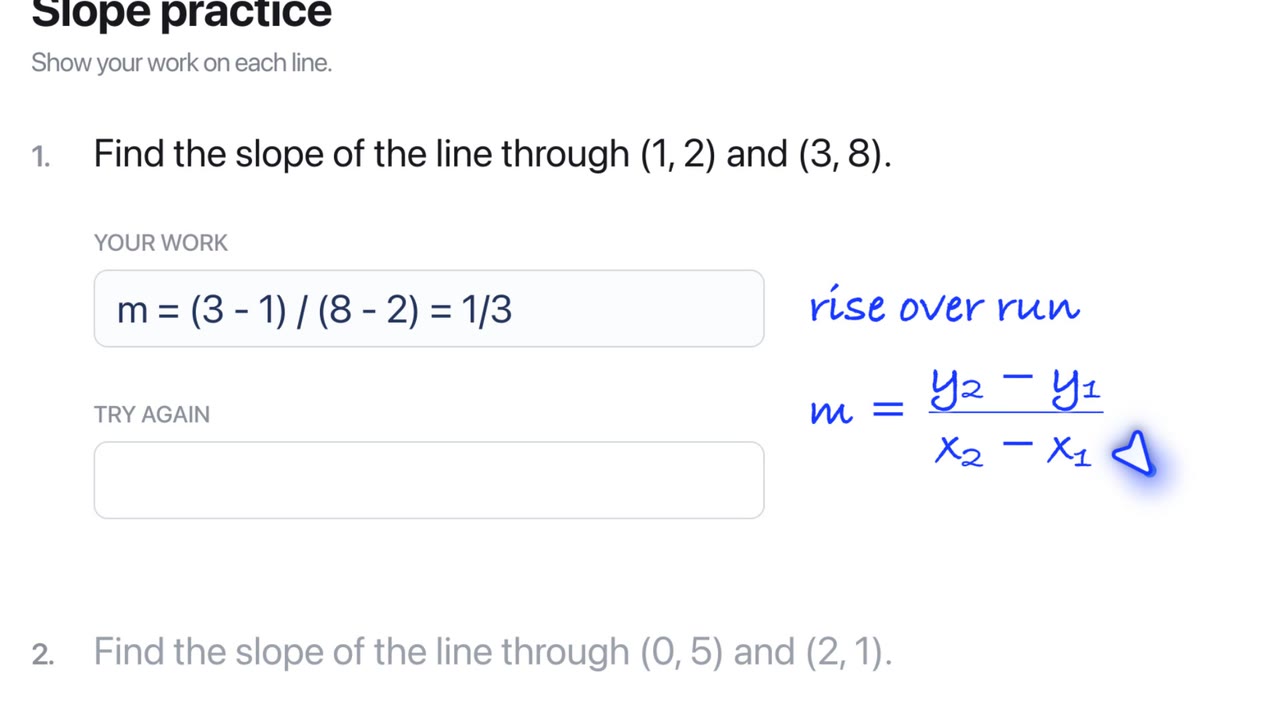
Ask for the next step or a fix, and Ducky writes it in the margin, beside the line it is about, left to right like handwriting.
Film
Steps#
- Open your work: a worksheet, a document, your code.
- Press fn and ask "what's the next step?" or "where did I go wrong?"
- Read the handwriting beside your line. Math is written as math.
Tips#
- Ask for "just a hint" when you want to do the rest yourself.
Related#
Something here out of date? Write to support@duckyhelper.com.