
Talk to Eddy
- Works on Mac only
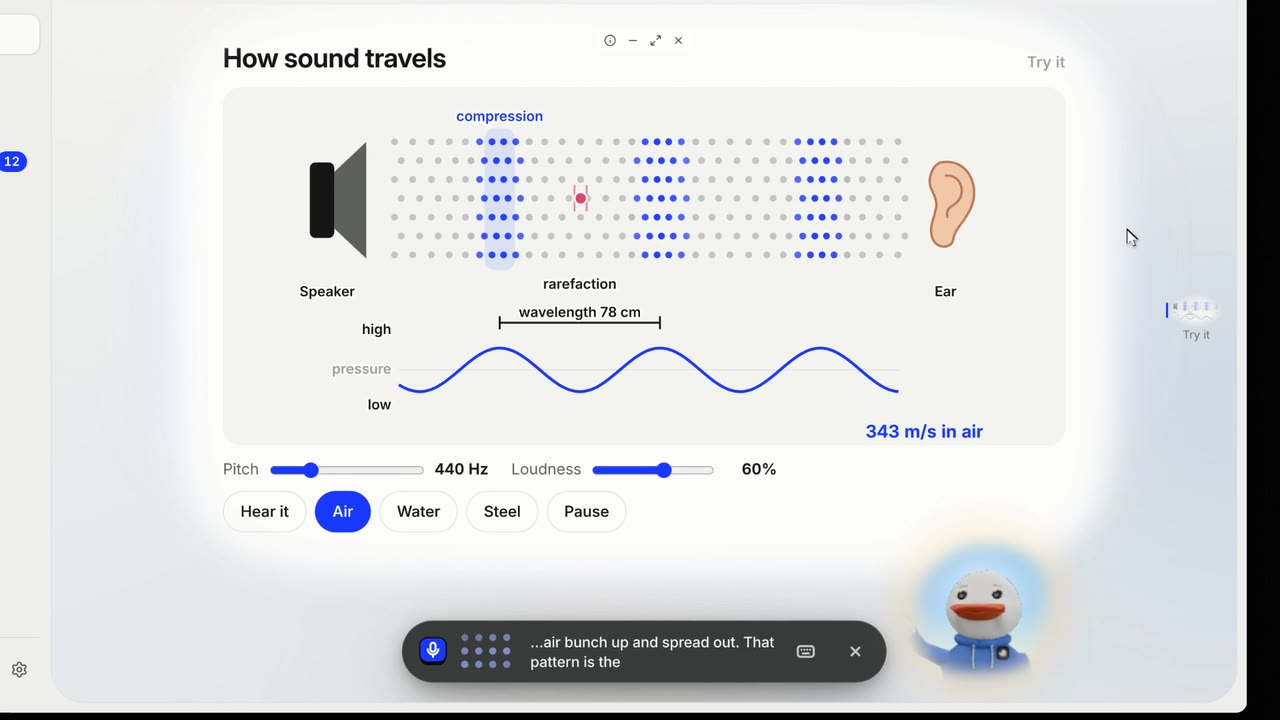
Talk to Eddy out loud. Eddy answers out loud, with captions, and shows things on its desk as it talks.
Film
Steps#
- Click Talk to Eddy, or press space when nothing is selected.
- Ask out loud.
How Eddy answers#
| The chip left of the bar | What you get |
|---|---|
| Eddy picks | Words, a picture or the board. |
| Just words | Only the answer, out loud. |
| Look it up | Real sources, read with you: research. |
| A picture | A picture with labels. |
| A scene | A picture or a board that fills the screen: World. |
Tips#
- Turn on hands-free to talk without pressing anything.
Limits#
- Without Plus, Pro and Unlimited, talking out loud is a one-time welcome. Then the button becomes Type to Eddy, with a number of typed turns a day.
- The mic needs your Mac's OK. If it is blocked, Eddy shows a card with what to do.
More films#
Short films that also show this, each carried by one learner's question. They play with sound.

Related#
Something here out of date? Write to support@duckyhelper.com.