
Watch while you work
- Works on Mac only
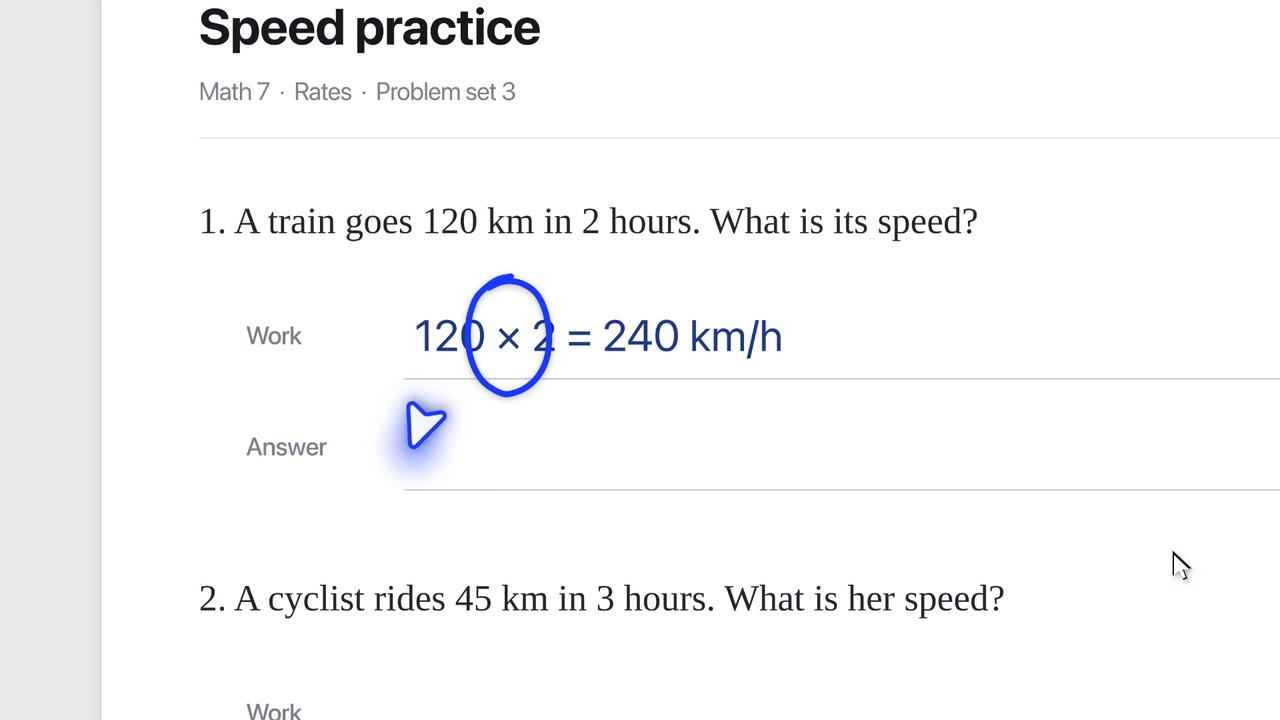
Ask Ducky to keep an eye on your work. It speaks up at the moment it matters, not before.
Film
Steps#
- Press fn and say "watch me do this" or "tell me if I make a mistake".
- The pill says "Watching for…".
- Work as usual. Each time your work changes and settles, Ducky takes a small look.
- Ducky speaks up when it matters. Watching ends when its time is up.
Limits#
- Off until you ask.
- It looks only at the one area you are working in, at most once every 8 seconds.
Related#
Something here out of date? Write to support@duckyhelper.com.