
Create your account and sign in
- Works on Mac only
One account works on every Mac you sign in on.
Film
Steps#
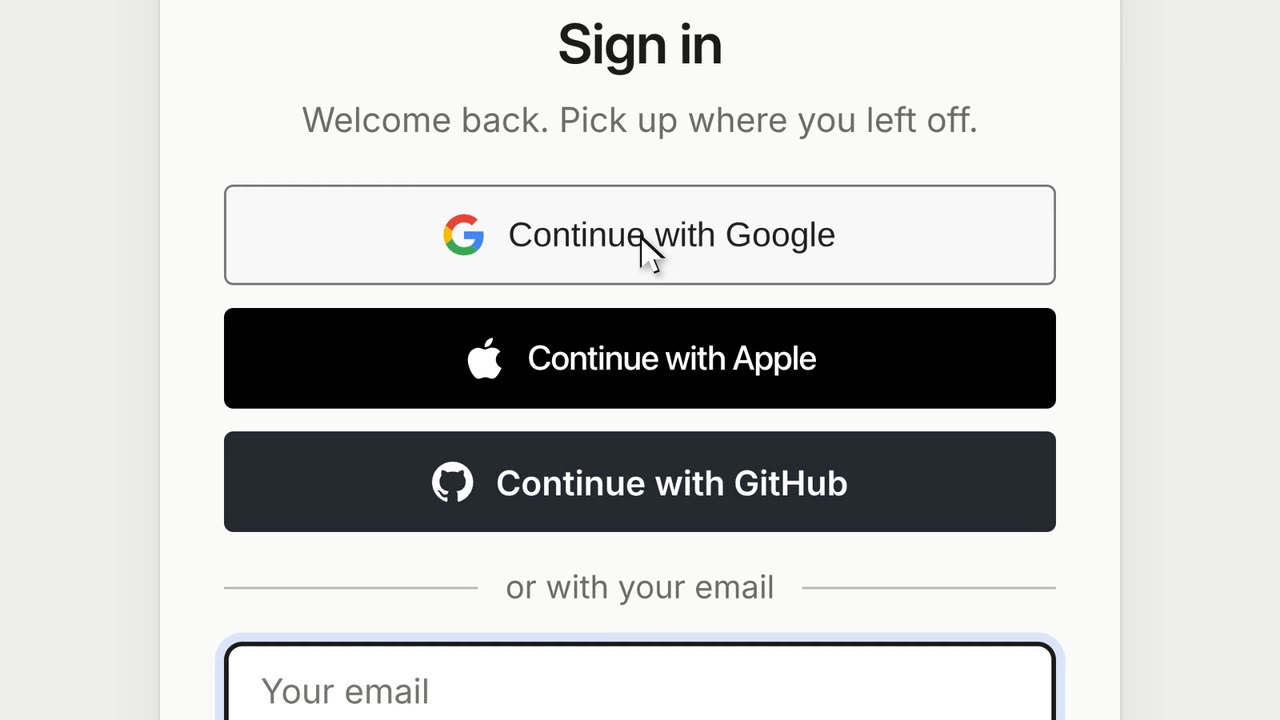
- Open the sign-in page: Sign in in the Mac app's own window, or on duckyhelper.com.
- Type your email and a password. A new address gets a 6-digit code by email: type it once.
- Or choose Continue with Google, Apple or GitHub.
- The first time, add your birthday and accept the Terms.
Forgot your password#
- Choose Forgot password.
- Type the code from your email.
- Set a new password.
Under 13#
If your birthday says you are under 13, DuckyHelper asks a parent first: "Ask a parent first", then "We emailed your parent". Your parent says yes on their own page. See Family.
Tips#
- On your Mac, sign in in the app. A browser opened from the app reminds you: "On your Mac? Open the DuckyHelper app and sign in there."
Related#
Something here out of date? Write to support@duckyhelper.com.